Stock
Know what you have, where it is, and where it went.

Stock in every place
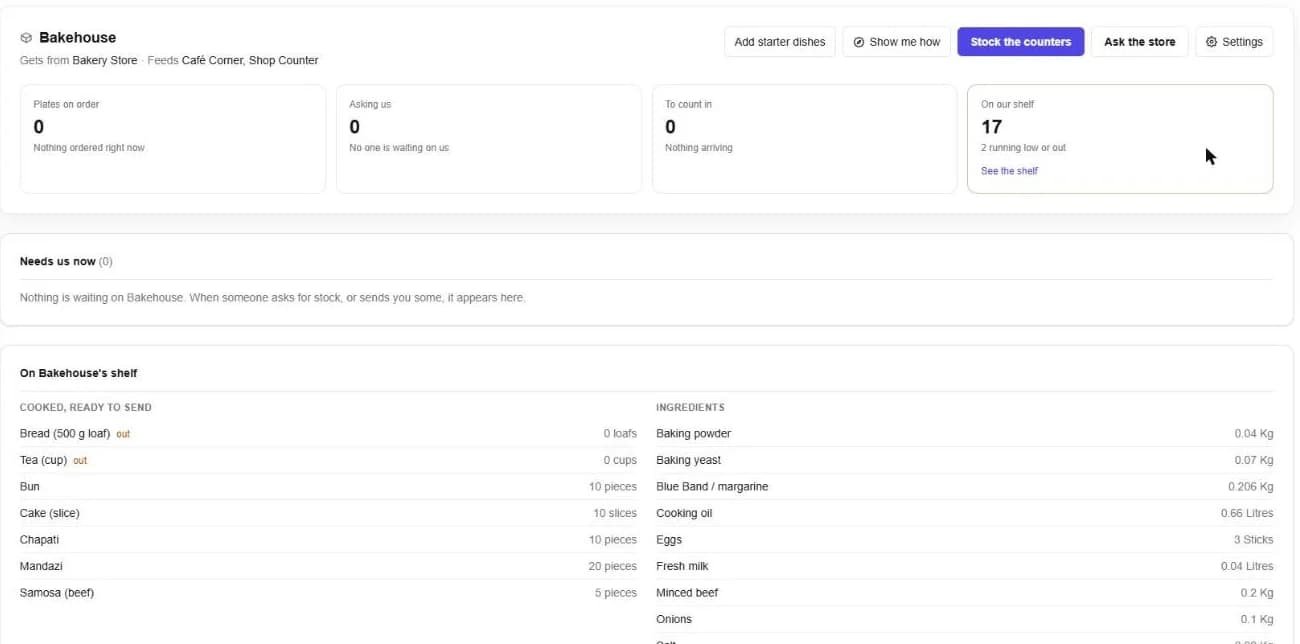
Each store, counter, kitchen and branch keeps its own count. A sale takes from the place that sold it. Stock can never go below zero. If it is not there, it cannot be sold or sent.
Buy from a supplier
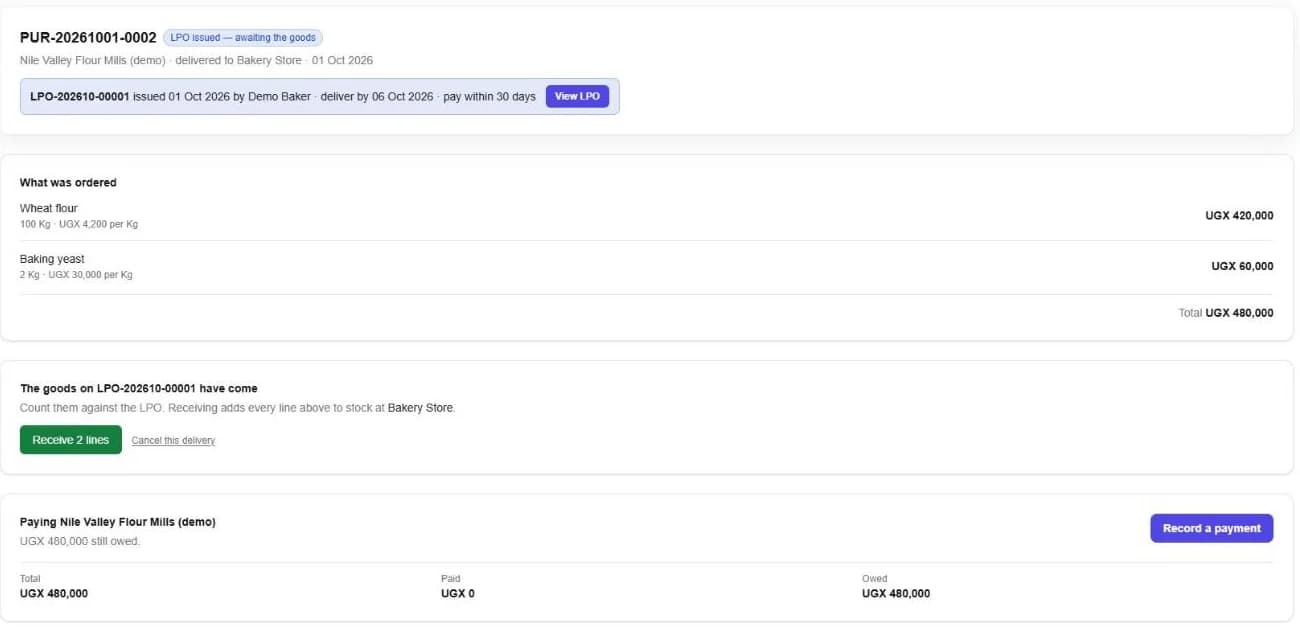
- 1In the store, open Purchases and start a new one for the supplier.
- 2Add what you are ordering and issue the LPO. It carries your terms and a number anyone can verify.
- 3When the goods come, count them against the LPO and press Receive. Each line is added to stock.
- 4Record what you pay the supplier. The purchase shows what is still owed.
Ask for stock, or send it
- 1From your place, ask another, such as the store, the kitchen or another branch, for what you need.
- 2They send it. It leaves their count.
- 3You confirm what arrived. It joins yours.
Good to know. Every move needs two people: one sends, one confirms. Nothing goes missing between them.
Count your stock
Stock takes compare what is on the shelf with what the records say, and keep the difference on record.
Make what you sell
Bakeries and kitchens record batches from recipes. The ingredients leave stock when the batch is made, and the finished goods arrive ready to sell. Freshness, write-offs and yield are tracked per place.
Expiry dates and fridges
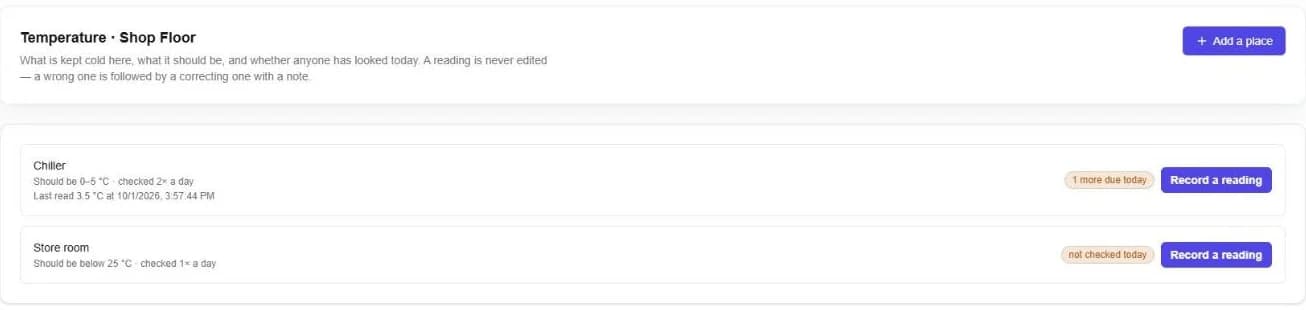
The expiry board lists every lot running out of time, soonest first. Temperature keeps a log of each fridge and room, what it should be, and whether anyone checked today.
Still stuck? Ask us.