Get started
From sign-up to your first sale. Most of it you do once.
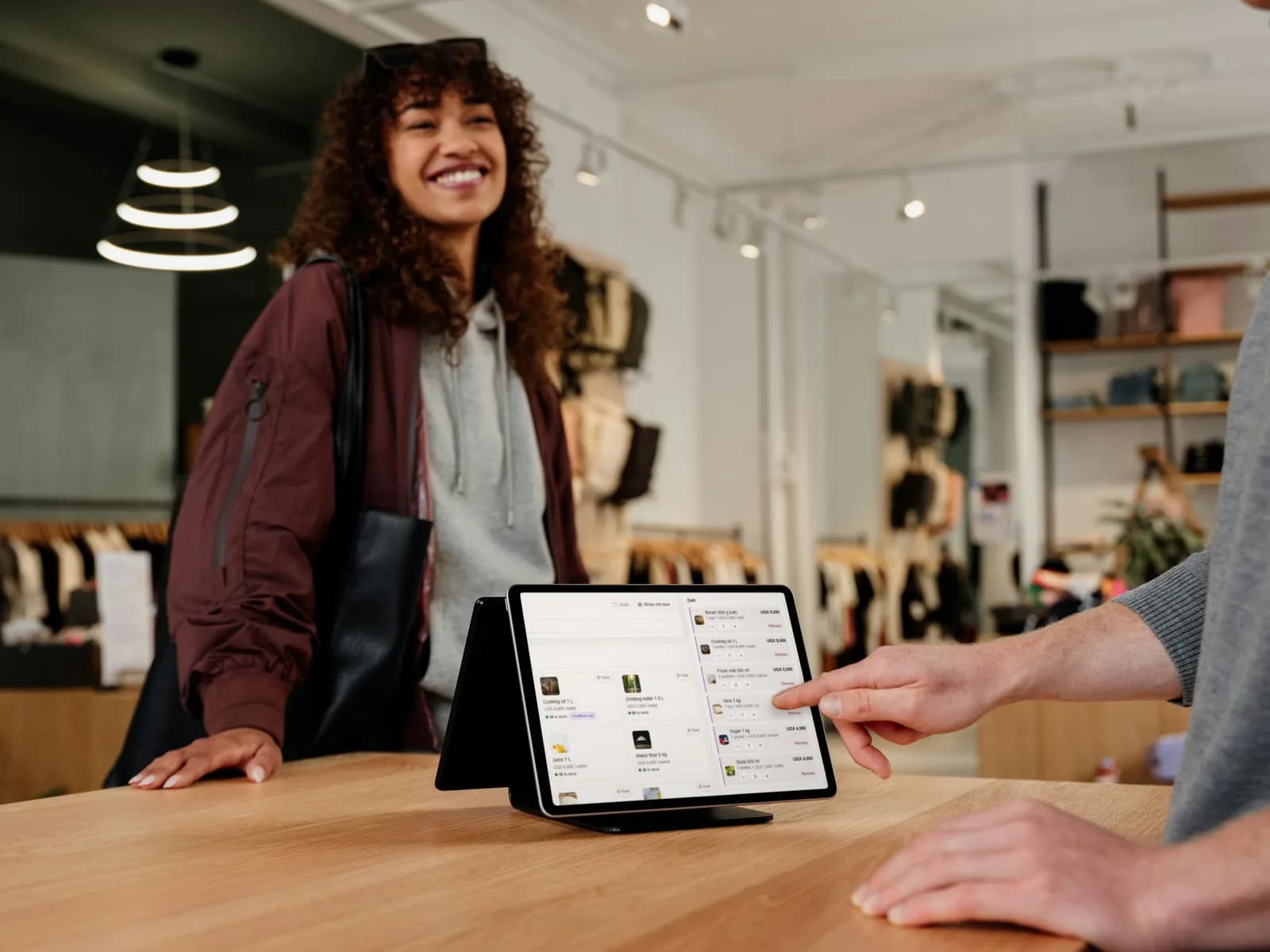
Try it first, with nothing to lose
Open a demo business, whether a restaurant, bakery, supermarket, pharmacy, hardware shop or hospital, and use it as if it were yours. Nothing you do there is permanent.
- 1Go to Try the sandbox at the top of any page.
- 2Choose the kind of business closest to yours.
- 3Sell, take payment, move stock and read the reports. Start again any time.
Sign up your business
Every request is read by a person before an account is made, so the business behind each account is real.
- 1Open Sign up and give your business name, your name, email, phone and the web address you want, for example yourshop.pos.archderick.com.
- 2Choose what kind of business you run. It only sets the tools and words you start with; you can change it later.
- 3We review the request and email you either way. Once it is approved, sign in at your own address.
Good to know. Your first month is free. No payment is needed to start.
Set up your business
The first time you sign in, DAS POS opens Settings so your name and details are right on every receipt from the start.
- 1Fill in your business profile: name, address, contact and tax details.
- 2Add what you sell. Type it in, or start from the ready made list for your trade.
- 3Add your branches and the places inside them: a counter, a store, a kitchen, a cashier desk.
- 4Invite your staff and give each one a role.
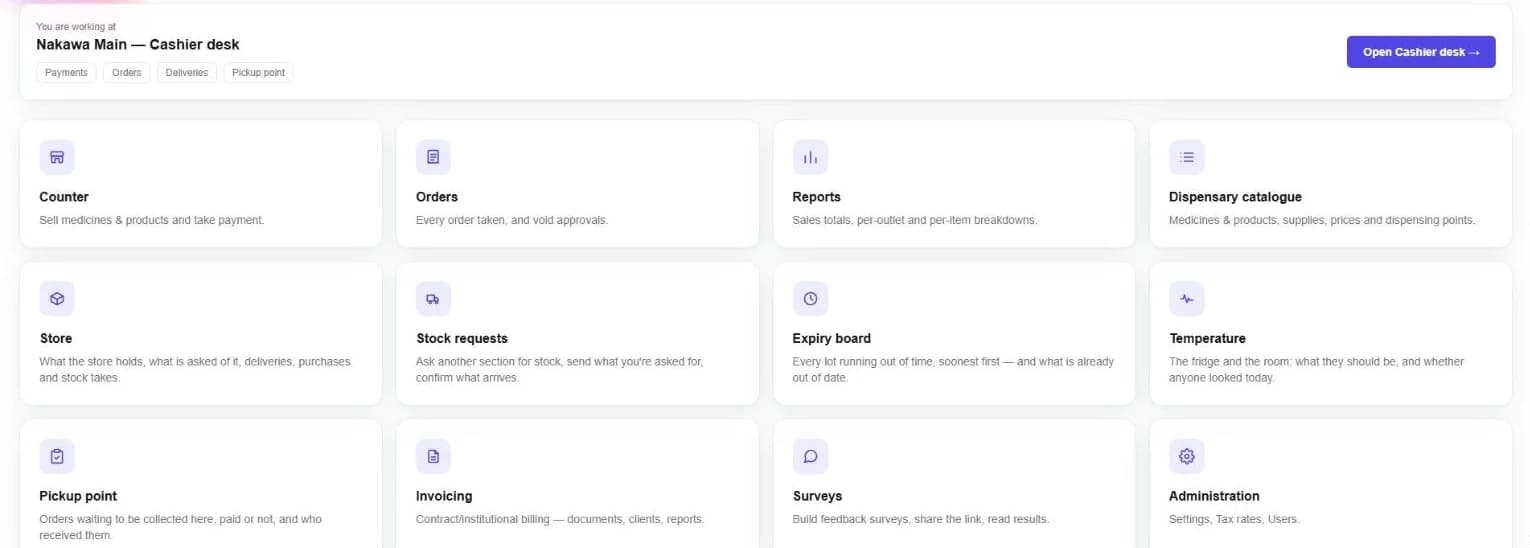
Find your way around
Your home screen shows where you are working and the places you can open. Each place has its own menu on the left, and every screen has a way back at the top.
- Search everything from the top bar, or press Ctrl+K.
- Show me how, on the busy screens, walks you through them.
- Appearance switches between light and dark.
Still stuck? Ask us.