Documents
Every paper your business sends, with your name on it, and a number that proves it is real.
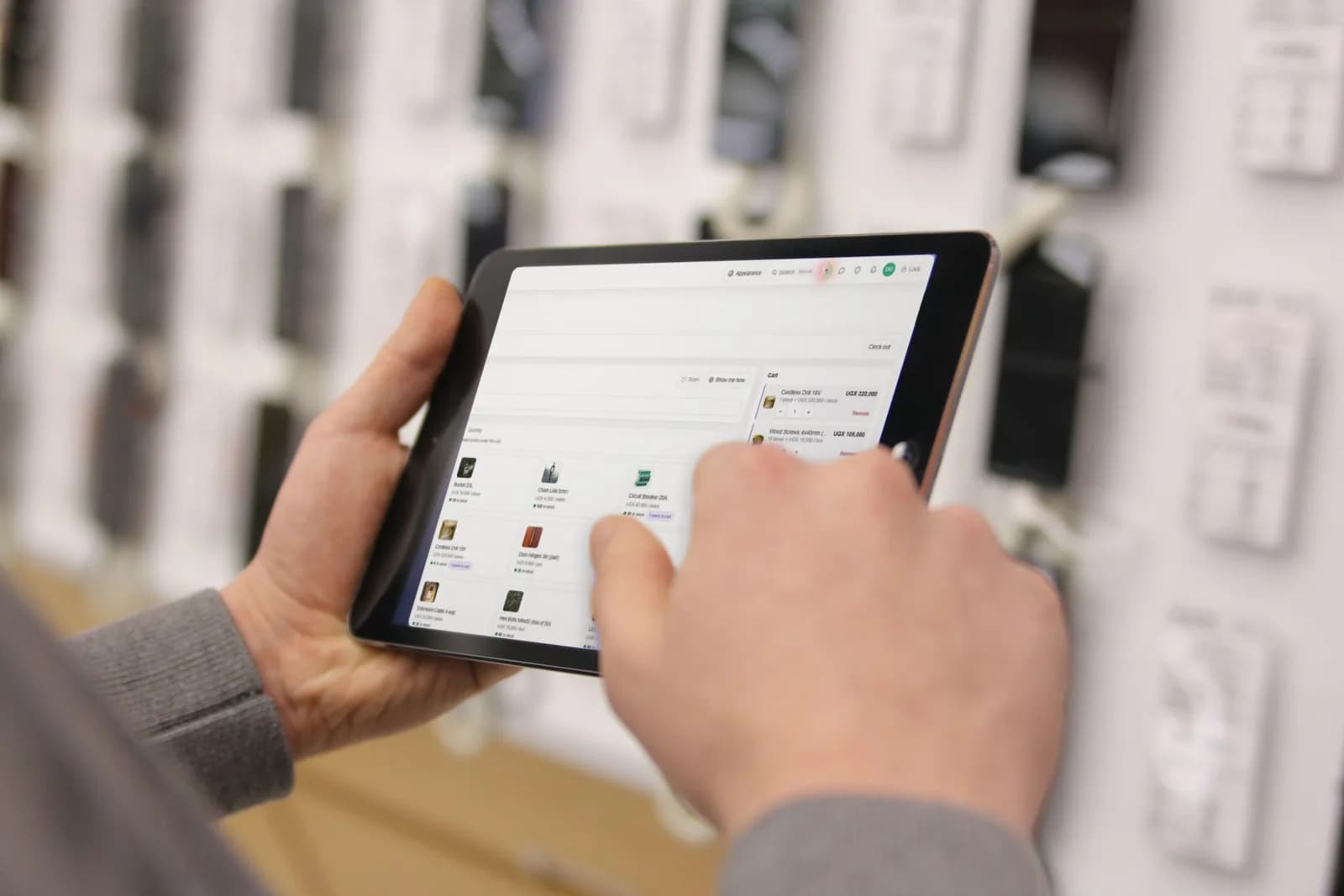
What you can make
- Proformas and invoices.
- Delivery notes.
- Receipts.
- Statements.
- Credit notes, approved before they count.
- Local purchase orders (LPOs) to your suppliers.
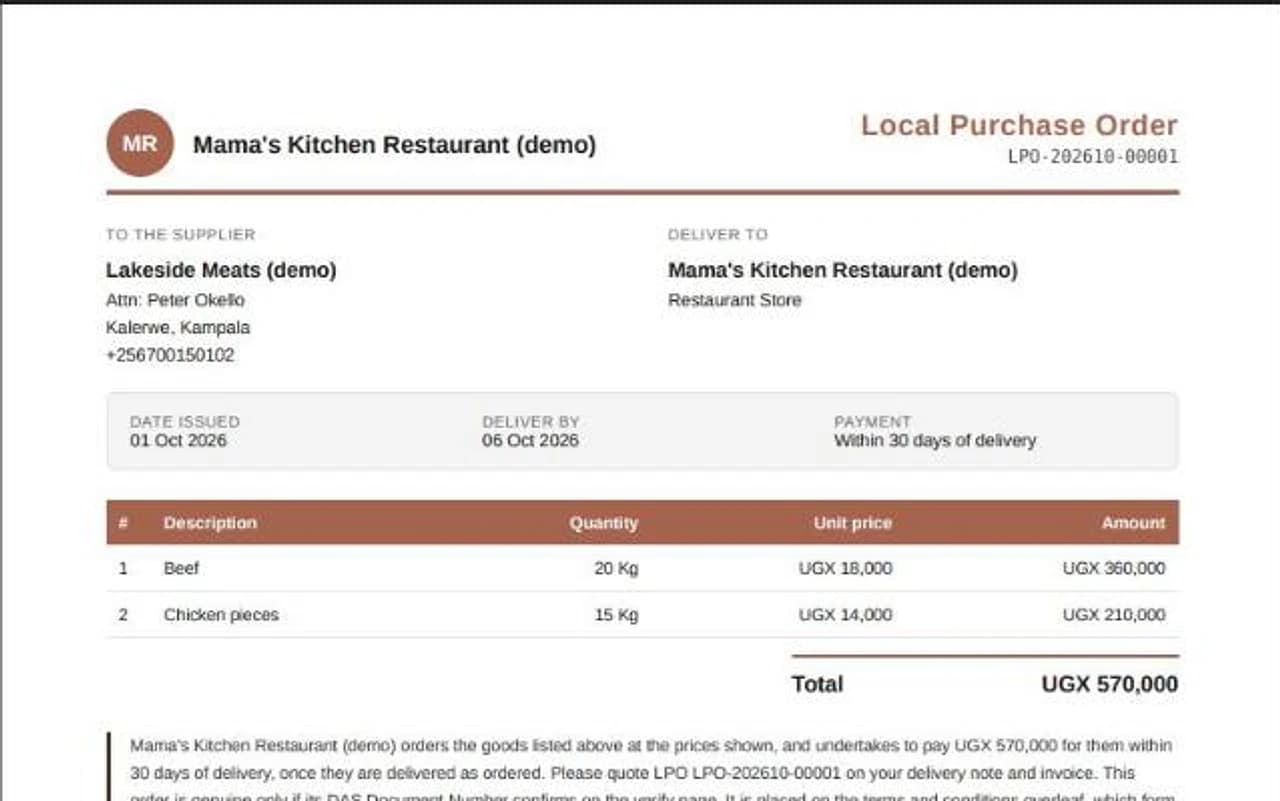
See it, then send it
- 1Open the document. It shows on screen first, exactly as it will print.
- 2Print it, email it, or download the PDF.
Good to know. An emailed document goes from your business's name, and replies come back to you.
Make them yours
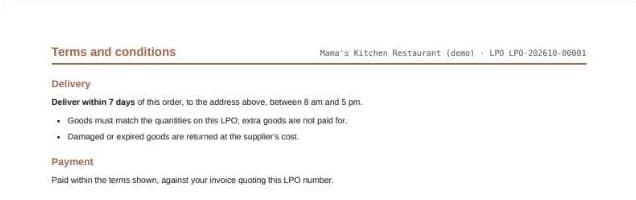
In Settings, choose your document colours and numbering, add your signature, and write the terms printed on every LPO.
Prove a document is real
Every document carries a DAS Document Number and a QR code. Anyone can scan the code, or choose Verify a document at the top of this site and type the number, to see that it was really issued, and its key details. No account needed.
Still stuck? Ask us.