Everything your business runs on.
Sell at the counter, cook in the kitchen, count the store and bill the client, and every part knows what the others just did.
Sell in seconds.
Staff sign in with their own account, ring up items, and take payment. Every sale records who made it, at which outlet, and how it was paid.
- Pricing tiers and quantity breaks
- Cash, MTN MoMo, Airtel Money, card, wallet and credit
- Receipts on an 80 mm thermal printer
- Voids that need approval above your limits
Sign in
Watch a lunch order, start to receipt
Straight to the kitchen.
Send each order to the kitchen, bar or packing station that makes it. The station screen updates live, and a handover records who gave the order out.
- Live station screens
- New, preparing, ready and handed over
- Handovers on record
An order reaches the station
Customers who serve themselves.
Clients top up a wallet, order from a link on their phone, and follow the order until it is collected. Credit clients buy on account within a limit you set.
- Wallet top-ups by mobile money
- Credit limits checked on every order
- Statements for account clients
Choose from the menu
Watch a customer pay from her own phone
Every way your customers pay.
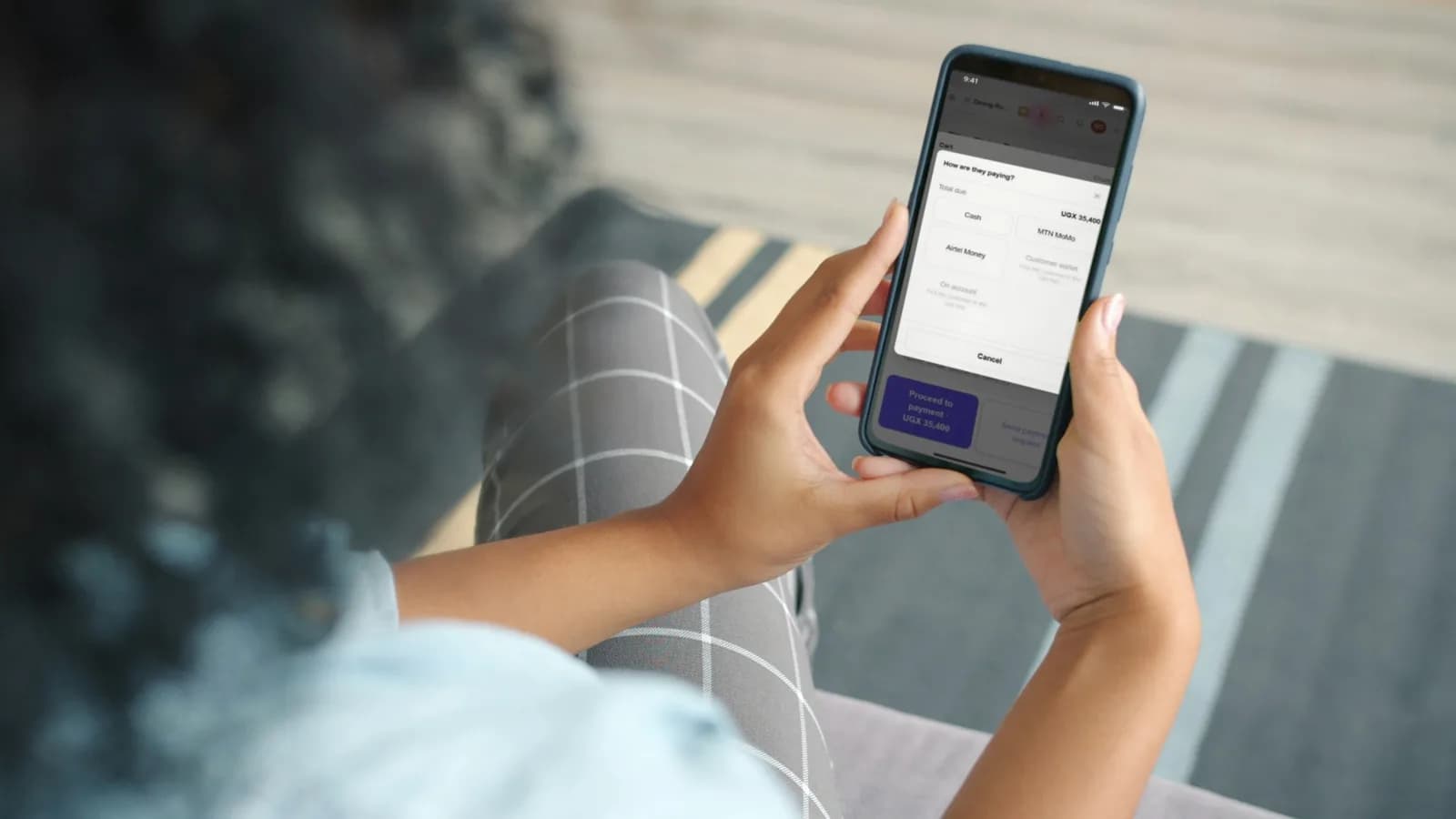
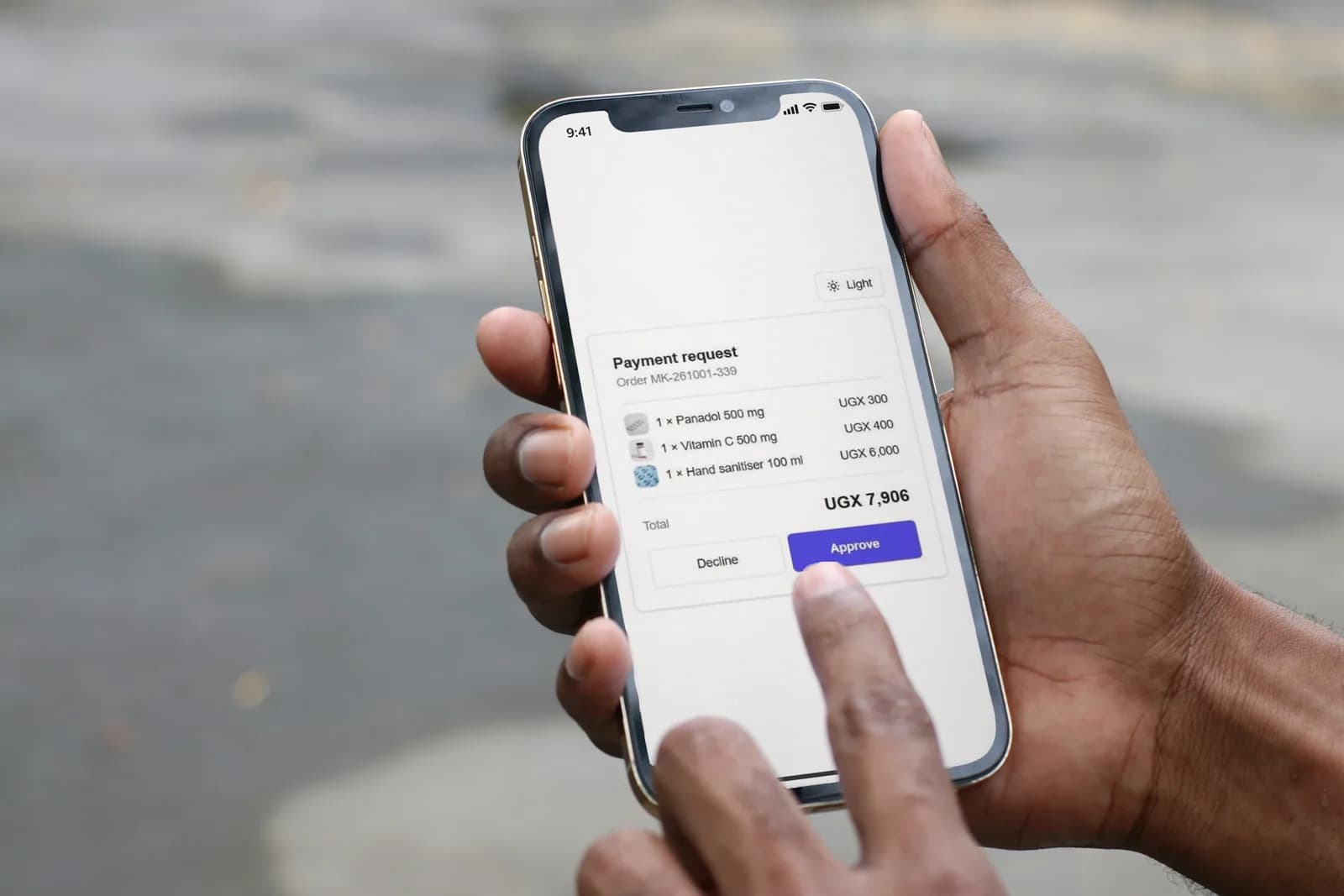
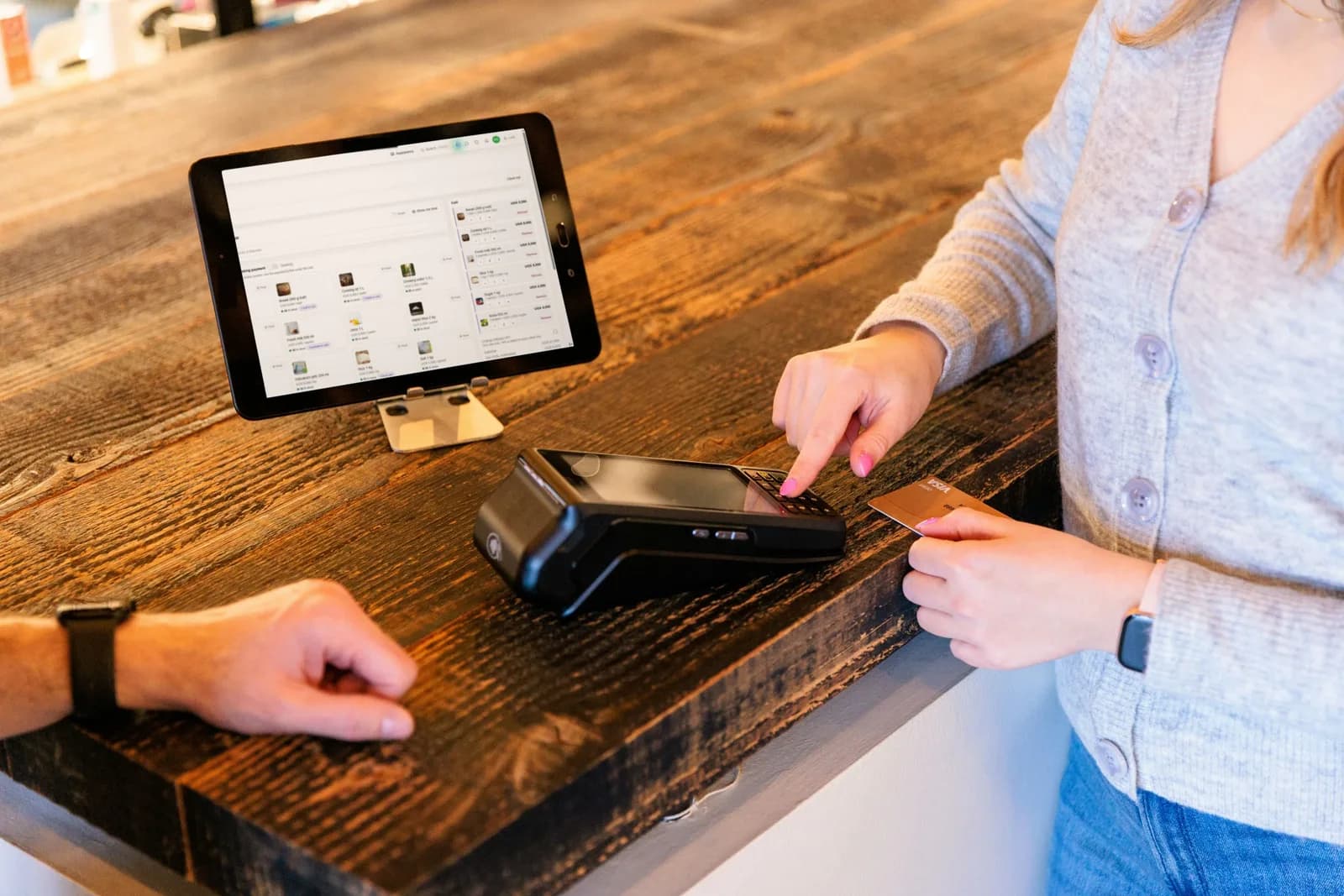
Cash, MTN MoMo, Airtel Money, or card on your own machine. Each sale recorded with its transaction or approval number, so every shilling can be traced. Customers can also approve a bill from their own phone.
- MTN and Airtel kept apart, for clean reconciliation
- Card on your own machine, with the approval code
- Payment requests the customer approves in their app
- Receipts that show how it was paid

Know where every item is.
A store, a kitchen, a warehouse, a counter: each place holds its own stock. Receive deliveries, ask another place for stock, and count what is really there.
- Purchases from suppliers at cost
- Stock requests: asked, sent, and confirmed on arrival
- Differences noted by whoever receives
- Low-stock levels per item
- Scheduled and manual stock takes
From flour to the counter.
Build recipes from ingredients, record production batches, and see what today's stock can make and what to bring from the store.
- Costed recipes
- Production batches
- Freshness and write-offs
- Yield against the recipe
Invoices that look like you.
Proformas, invoices, statements, delivery notes, weekly schedules, credit notes and receipts, in a design from the template library with your logo and colours.
- A DAS Document Number on every issued document
- Verification by anyone, without an account
- Delivery notes signed by whoever receives the goods
000000000187
Your business, at a glance.
Sales by outlet, by item and by day, profit and loss, and what account clients still owe.
- Sales and analytics
- Profit and loss
- Accounts receivable ageing
Every patient, door to discharge.
Reception, triage, the doctor, the lab, the pharmacy, the wards and the cashier. One visit, one bill, and each department serves only what is paid.
- Queues that put the sickest first
- Allergies flagged in red
- Wards, beds and deposits
- Insurer claims, month by month
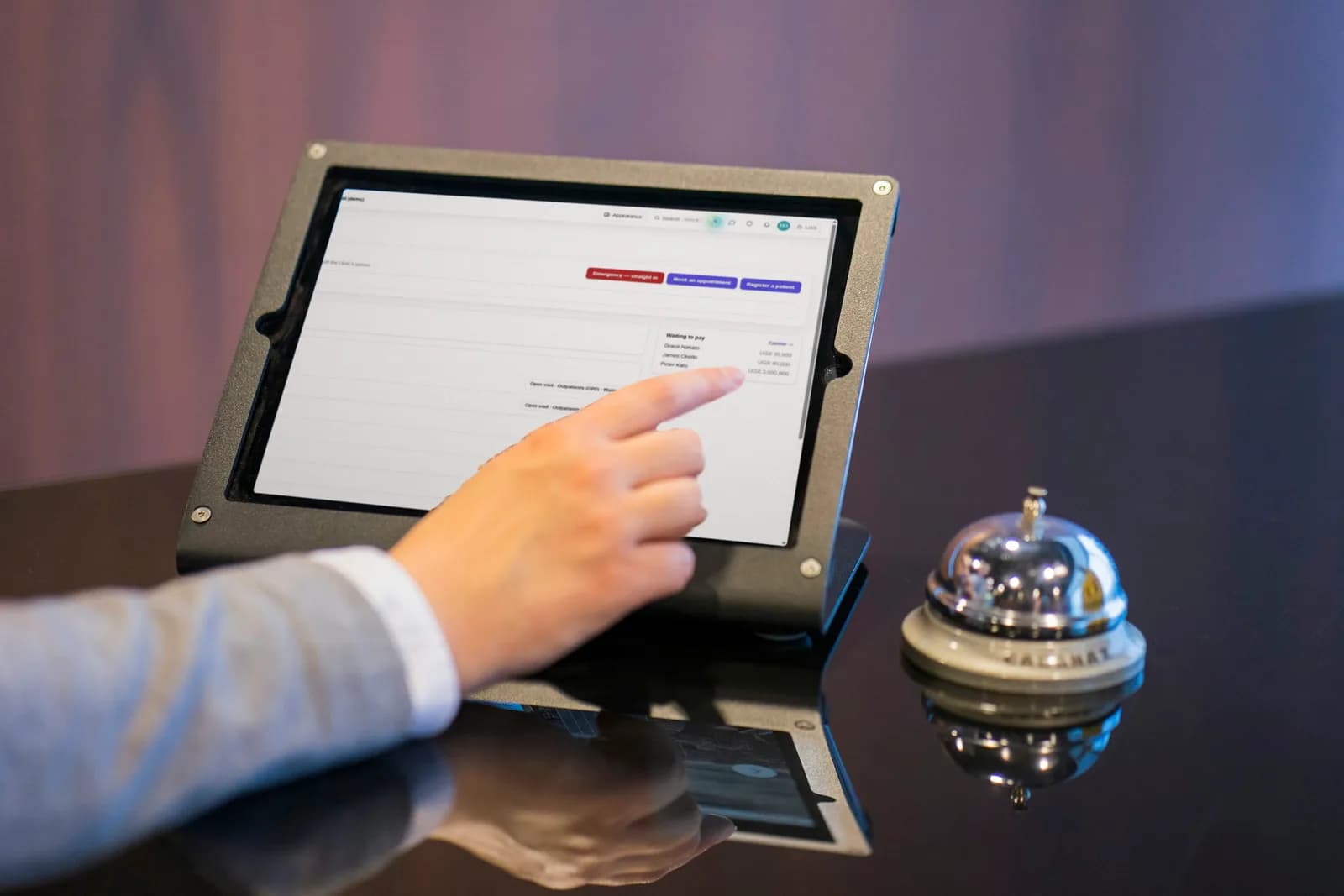
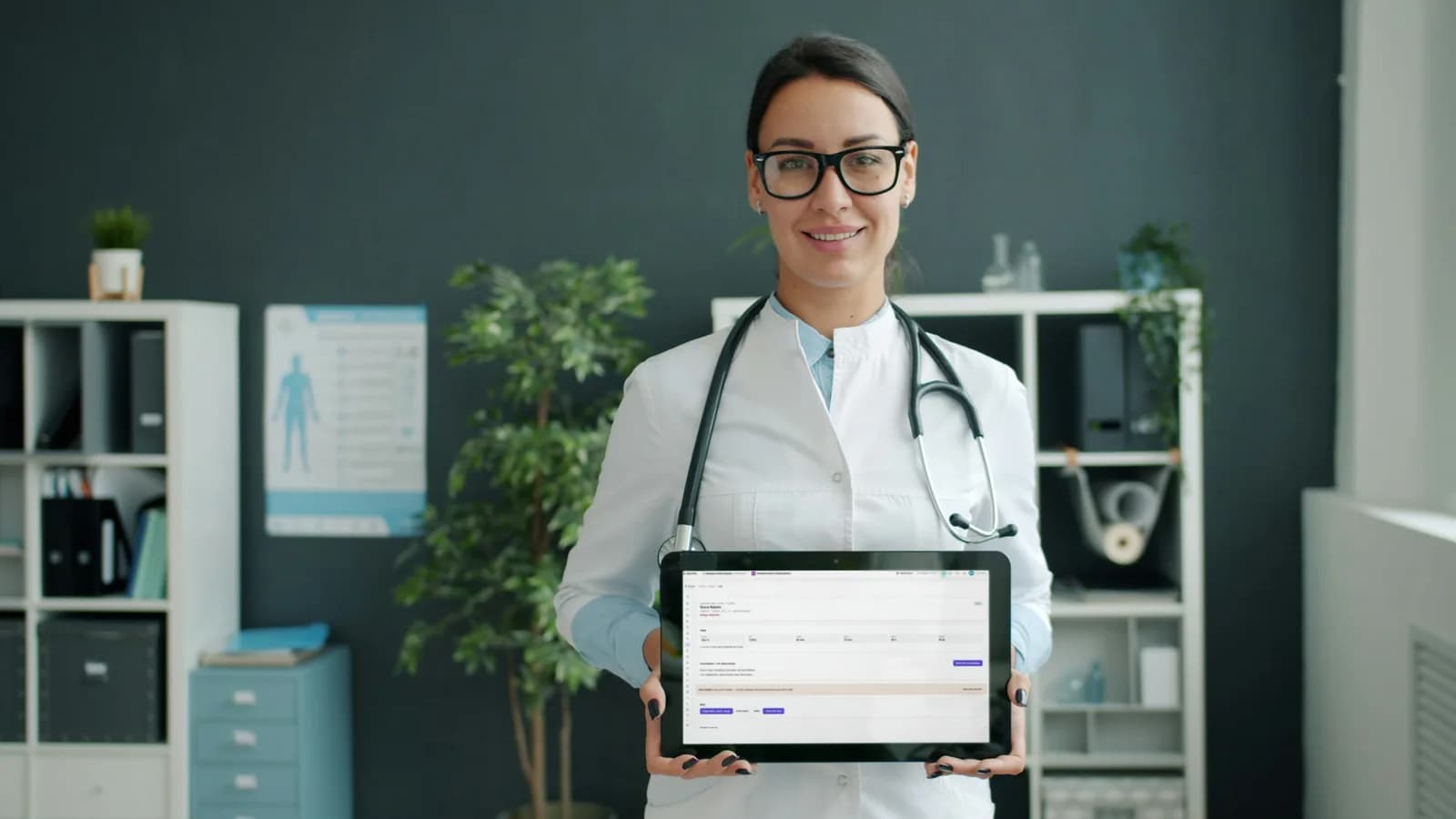

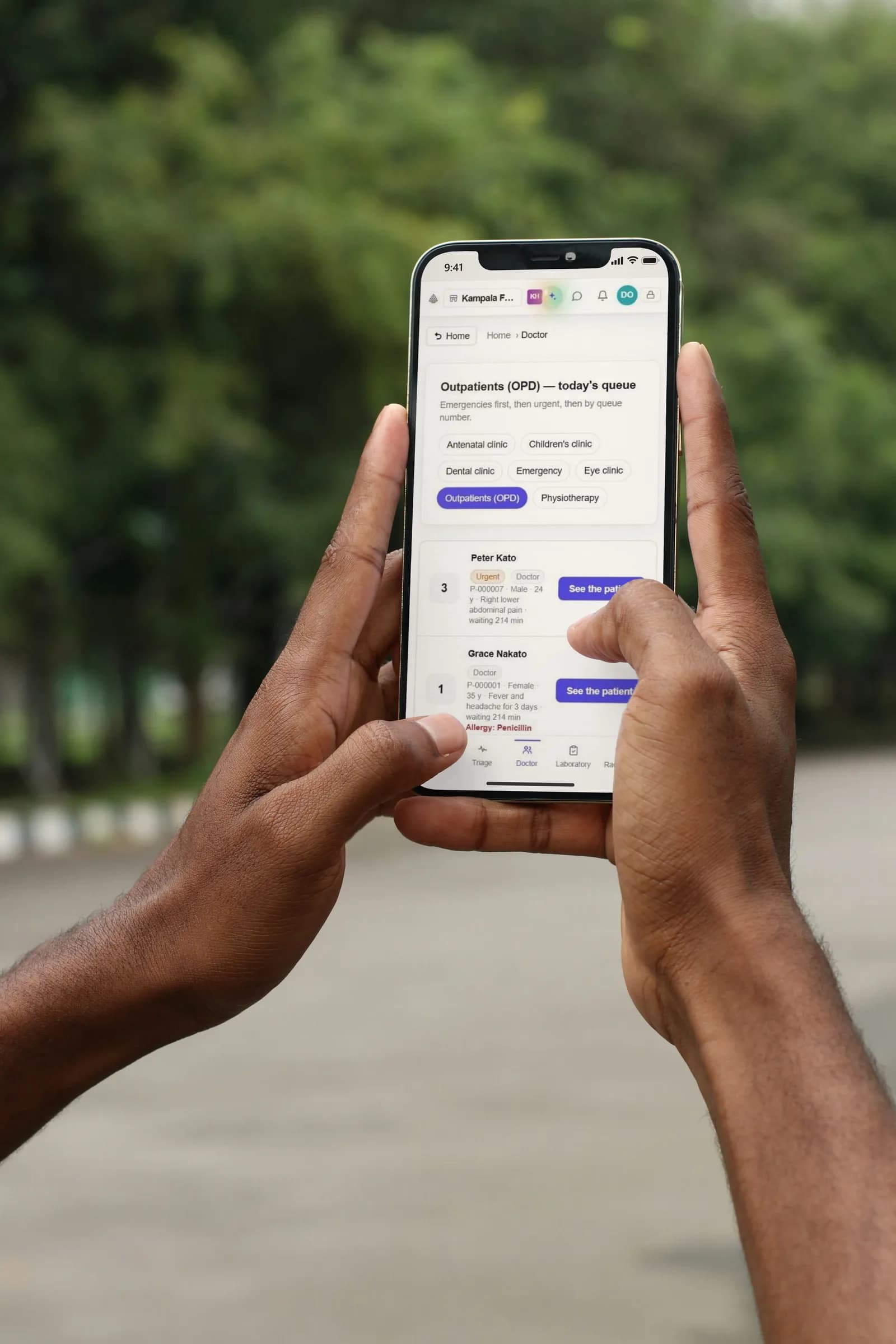
Watch a patient's visit
Only what you need.
Every part is available to every business. Your business type suggests where to start, and you switch anything on or off in Settings, at any time. Switching something off never deletes it.
The till: ring up sales and take payment.
Every order taken, void approvals and handovers.
Send orders to the station that prepares them, with live screens.
Client wallets, top-ups and ordering from a link.
Proformas, invoices, statements, delivery notes and schedules.
Making your own goods: batches, what goes into them, and what is left over.
Suppliers and the goods you buy from them.
Scheduled and manual stock counts.
Record and approve business expenses.
Hand cash from the till to the next person, on record.
Feedback surveys with a shareable link.
Sales, stock, profit and analytics.
Lot numbers and expiry dates on delivery, oldest sold first, and the expiry board.
Fridges and rooms that must stay in range, checked and logged each day.
Registration, clinic queues, triage, the doctor's screen, wards and beds, and visitors.
See it with your own business in mind
Open a demo business in the sandbox, such as a hardware shop, restaurant or bakery, and practise with it. Nothing you do there is permanent.