Staff and stations
Everyone signs in as themselves, sees only their work, and leaves a record of what they did.
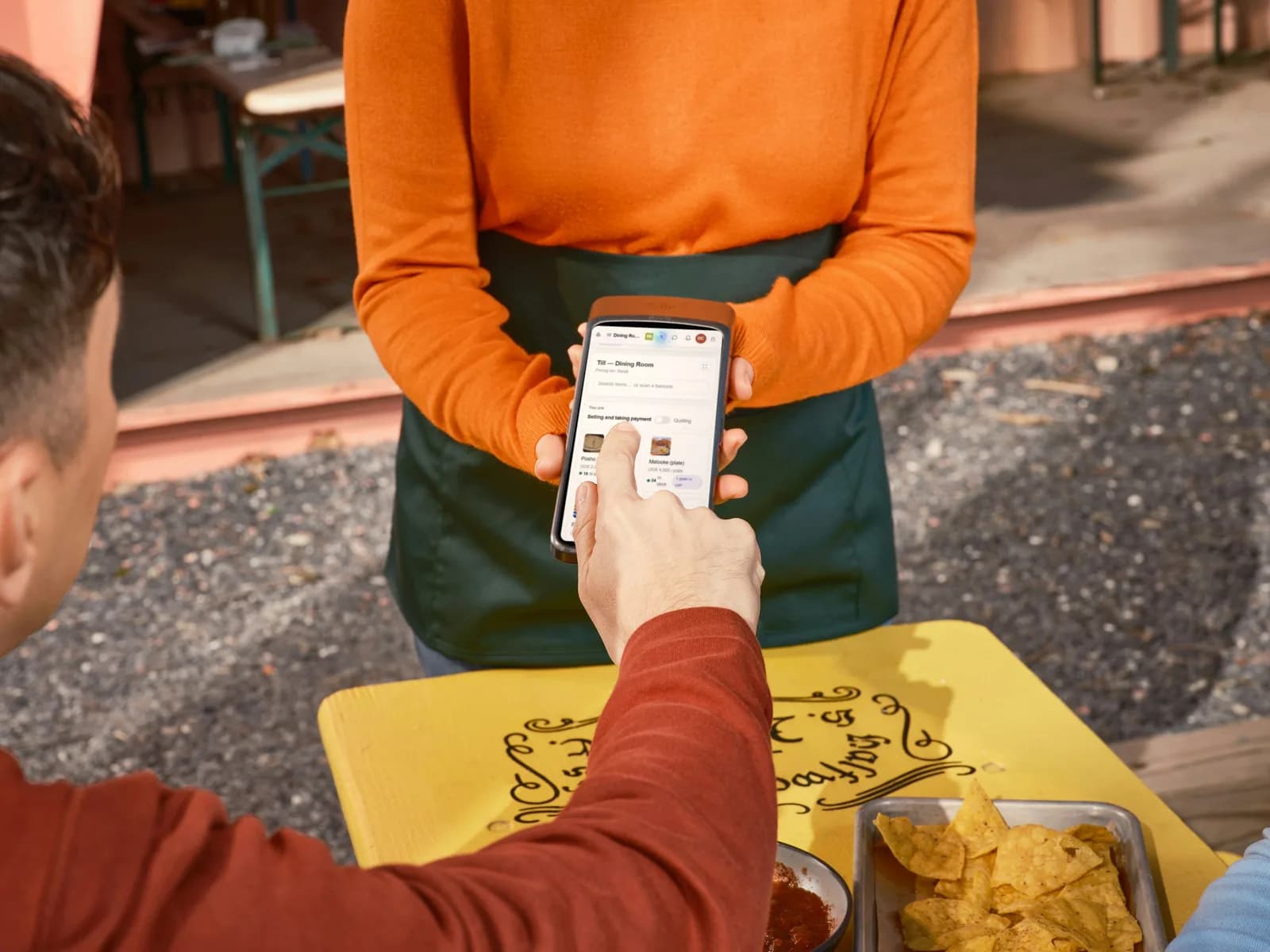
Add your staff
- 1Open Users and invite someone by email.
- 2Choose their role.
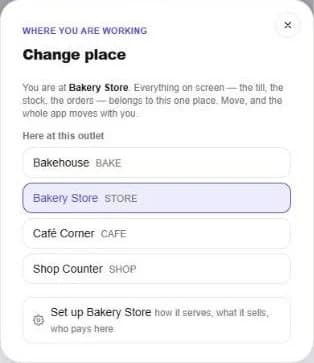
- 3Choose where they work: a counter, the kitchen, the store or a cashier desk.
Roles decide what each person can do
Owner, manager and cashier, or roles you create yourself. Each role is a list of permissions you switch on and off.
Where each person works
Each person is placed at one station, and the whole app follows: the till, the stock and the orders all belong to that place. Only someone allowed to change settings can move between places.
Clock in and out
Staff clock in at the till when they start and clock out when they finish. The attendance record shows who worked, and when.
See who did what
The activity log keeps every important action: who did it, where and when.
Still stuck? Ask us.