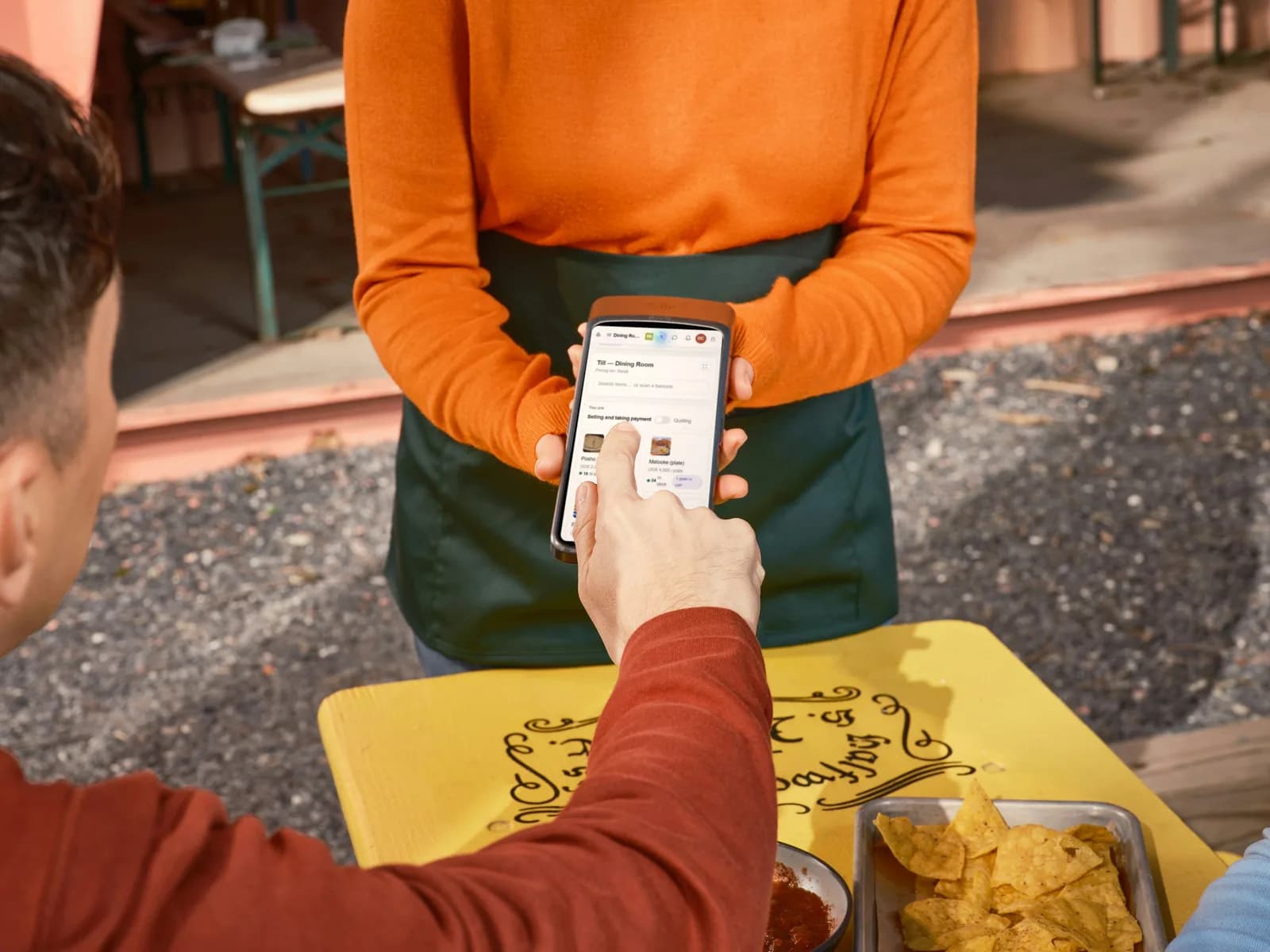
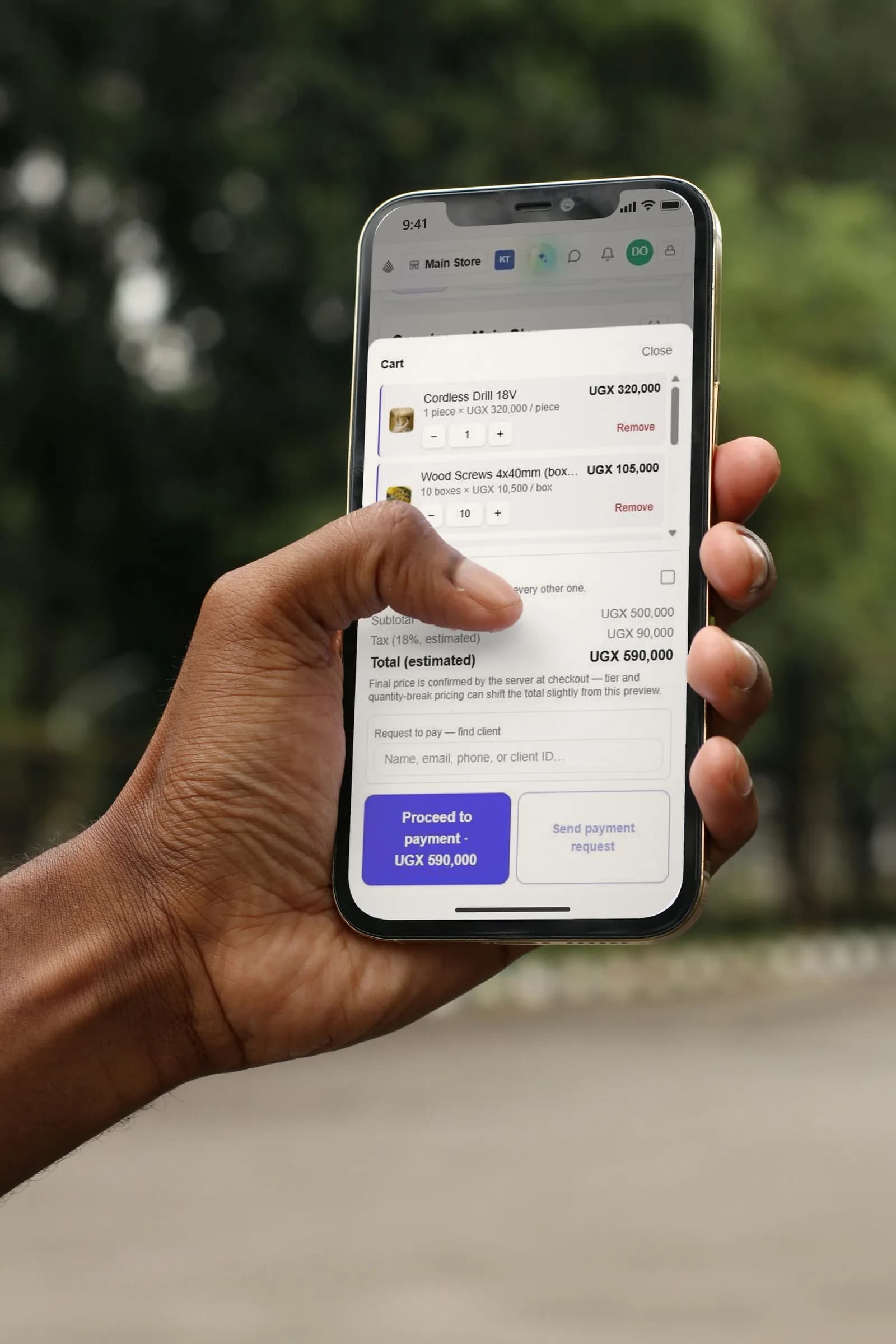
Scan with the phone in your pocket
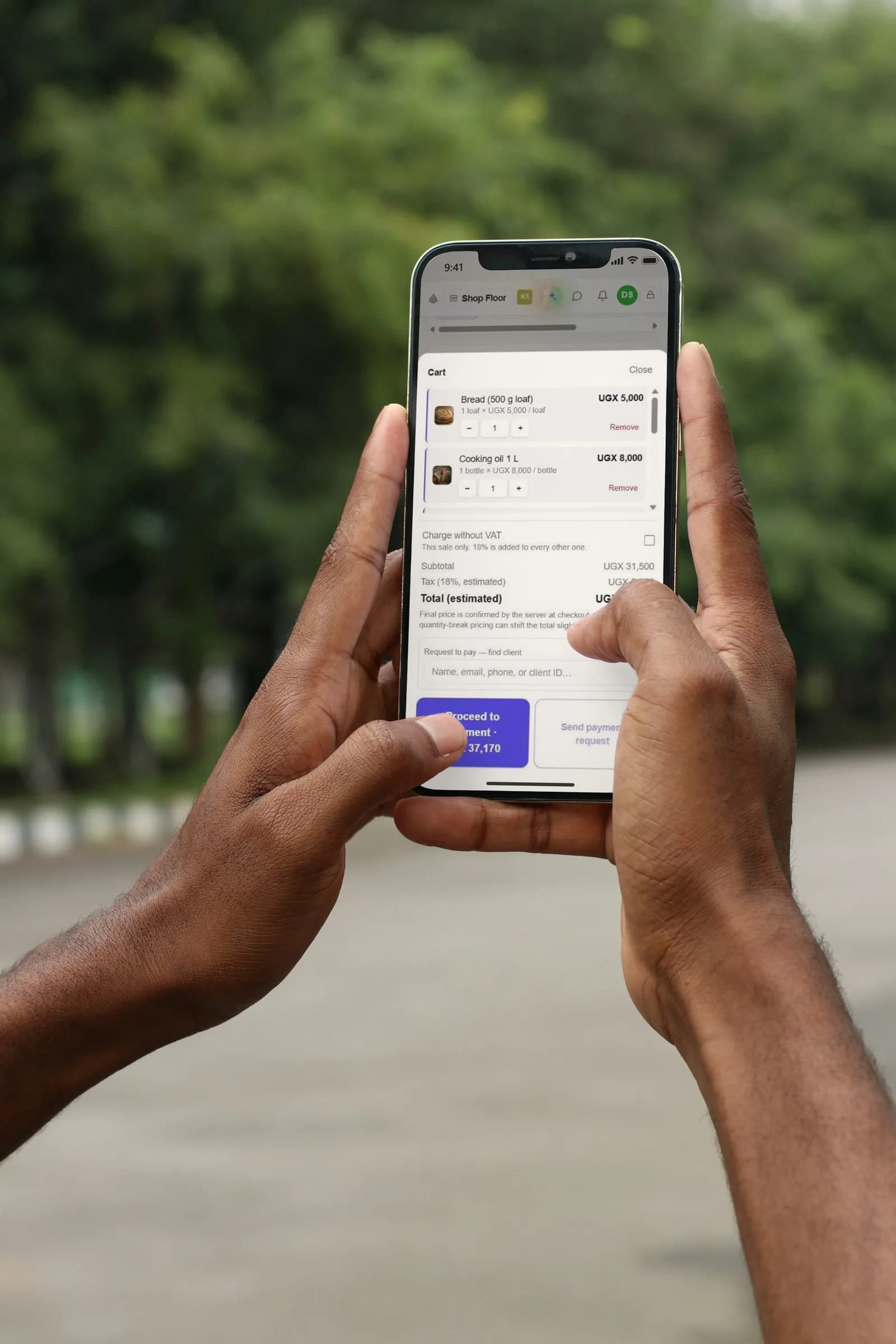
Pair a phone with the till and it becomes your barcode scanner. It beeps, finds the item and even reads whether a receipt is PAID or NOT PAID.

Sales, stock, payments and invoices for restaurants, bakeries, shops, pharmacies, hospitals and hardware stores, on the phone, tablet or computer you already have.
Every sale. Every shelf. Every shilling.
Choose a business to see the screen it starts on.
From the store room to the plate, and month-end billing for contracts.
More on restaurants & canteens →Made for how business runs here
Built in Kampala for restaurants, canteens, bakeries, shops, pharmacies, wholesalers and hardware stores. Runs in the browser of the phone, tablet or computer you already have.
Spotlight
What owners asked for most. All of it working today.
See every feature →Pair a phone with the till and it becomes your barcode scanner. It beeps, finds the item and even reads whether a receipt is PAID or NOT PAID.
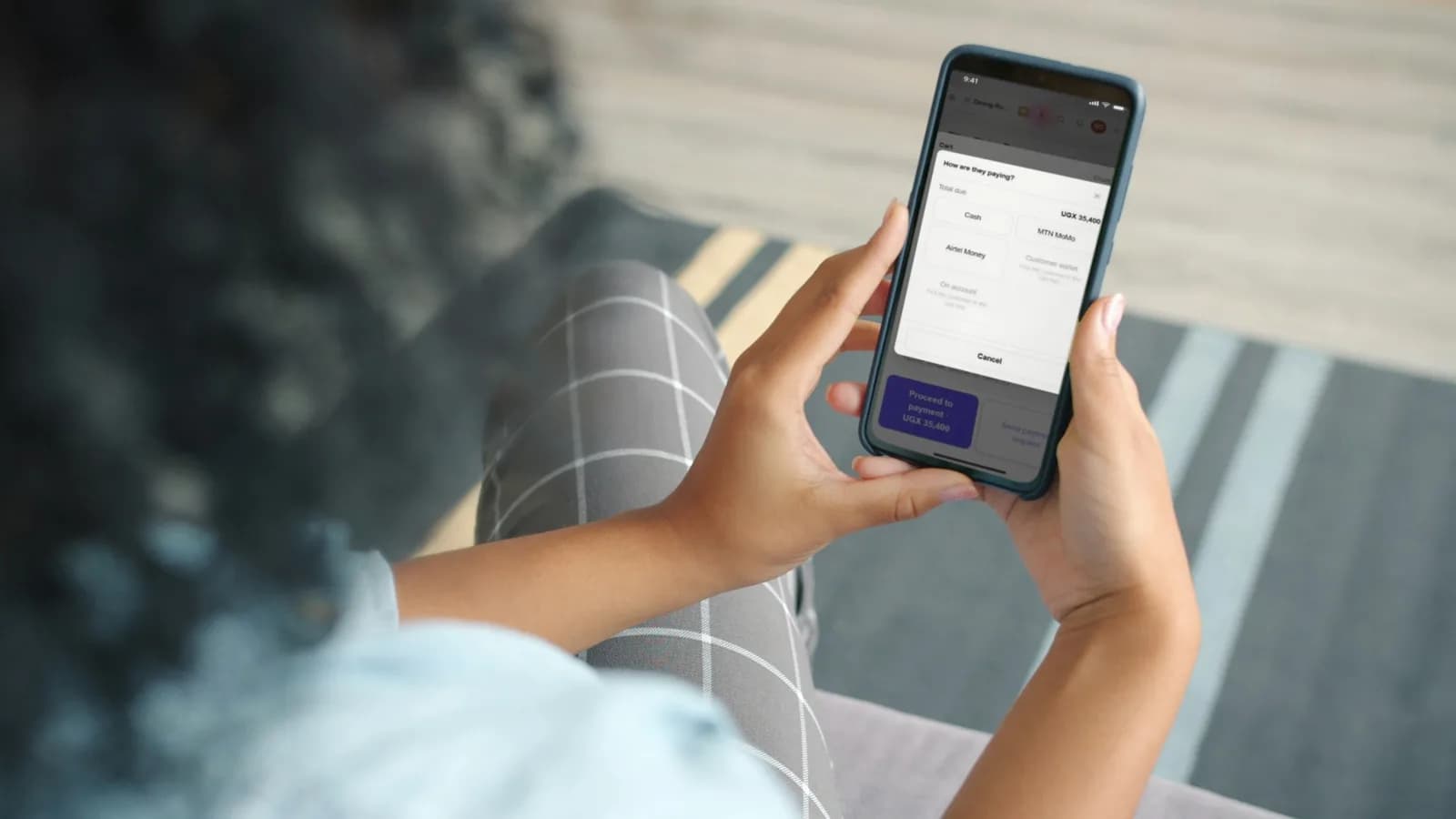
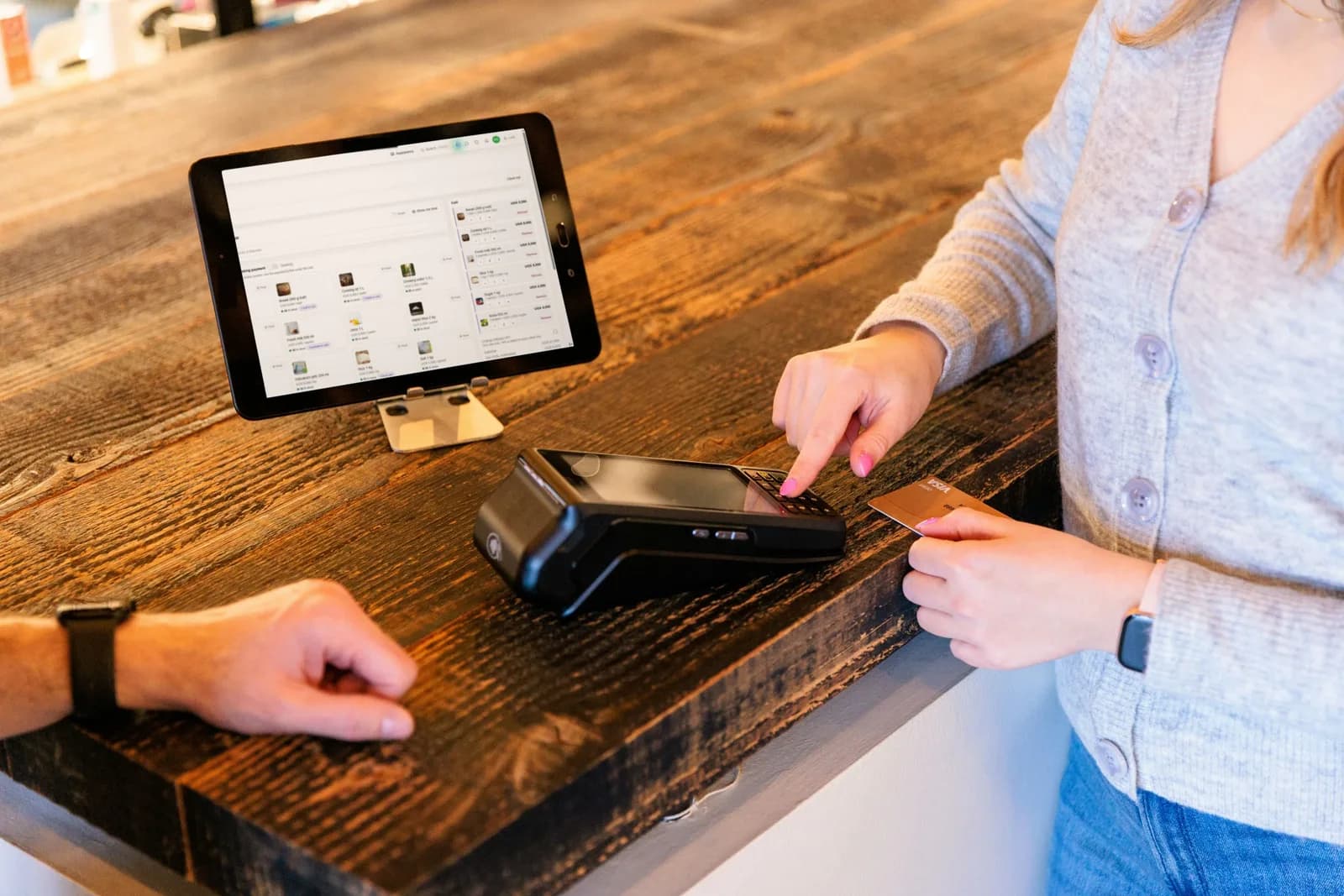
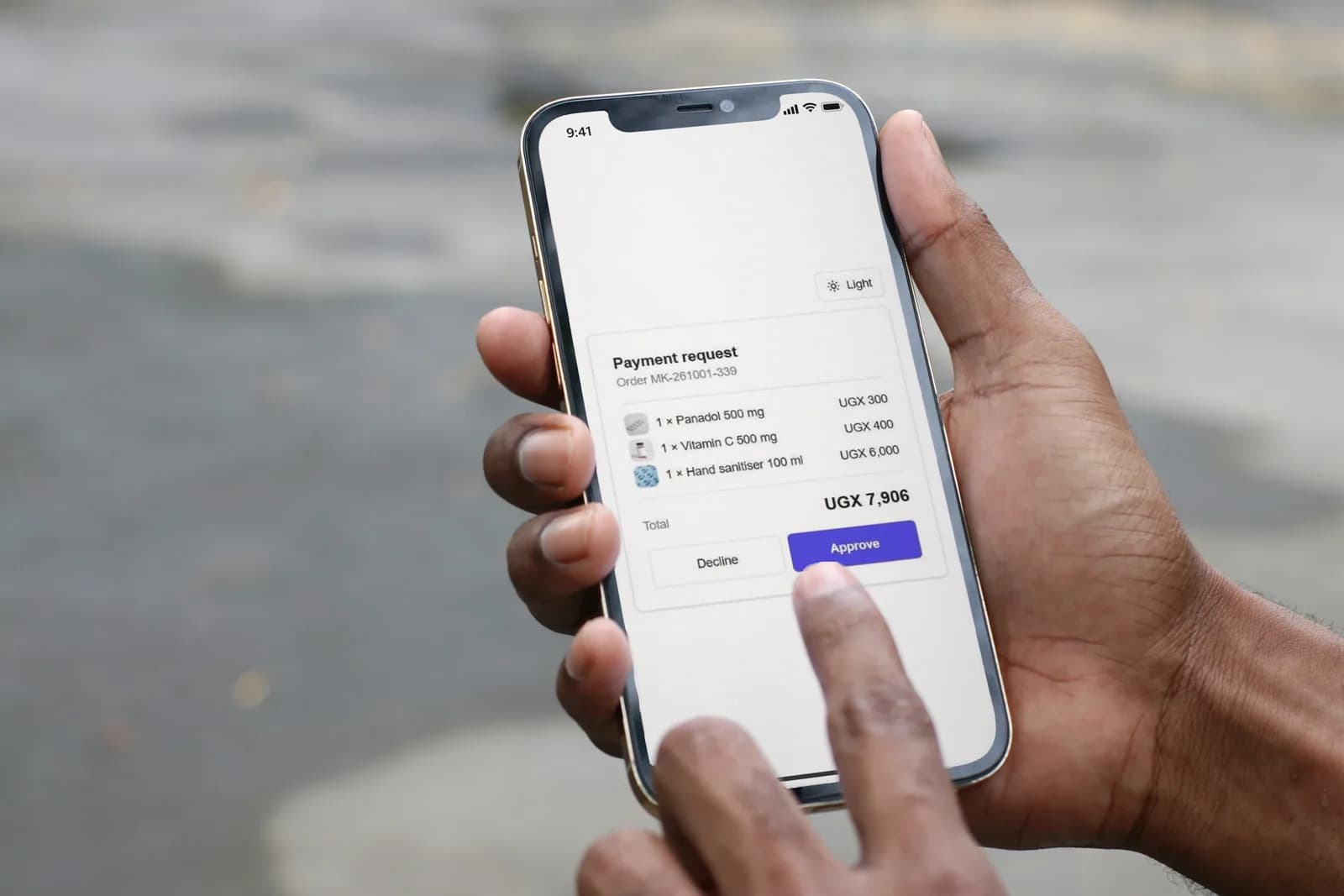
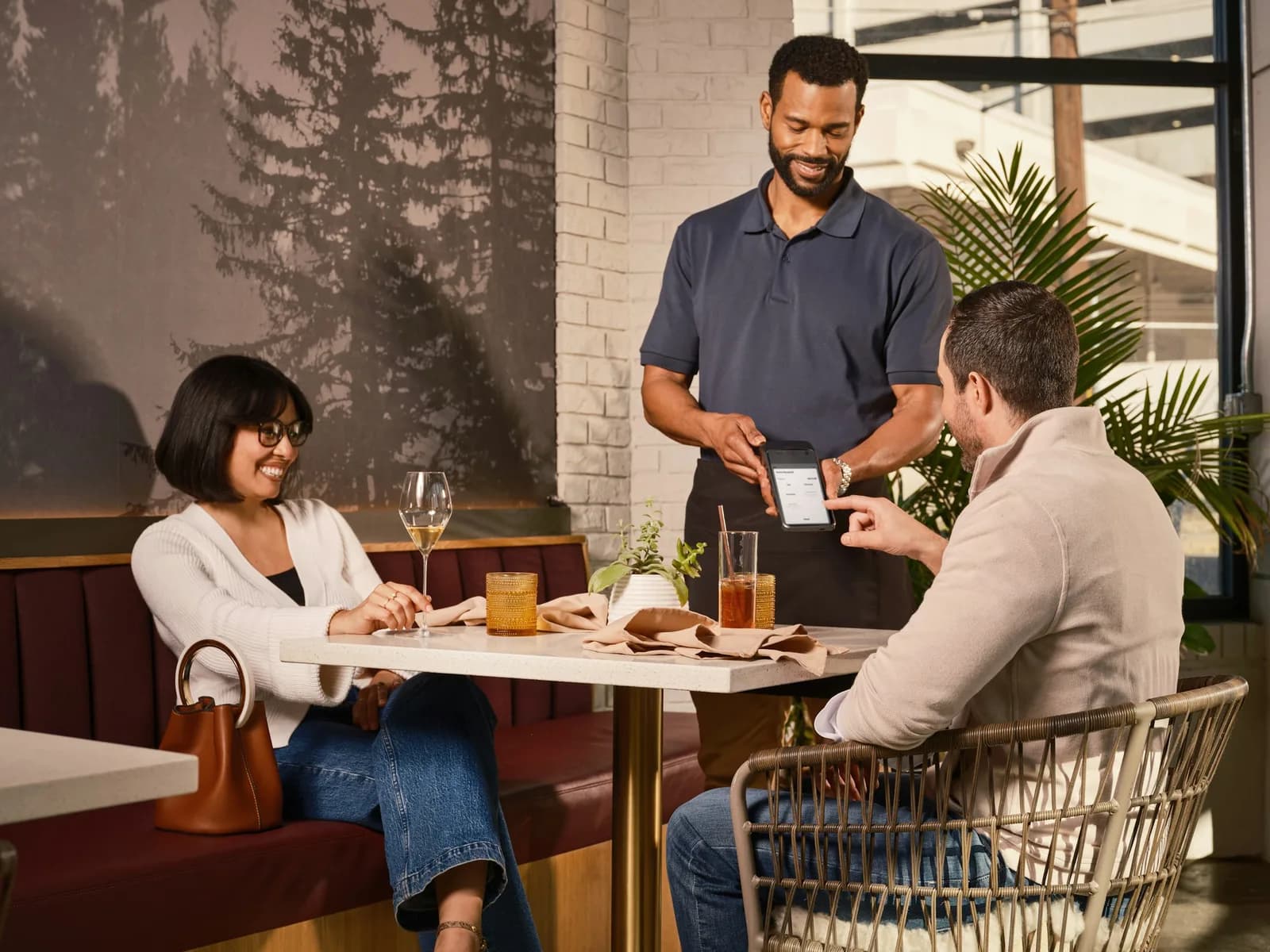
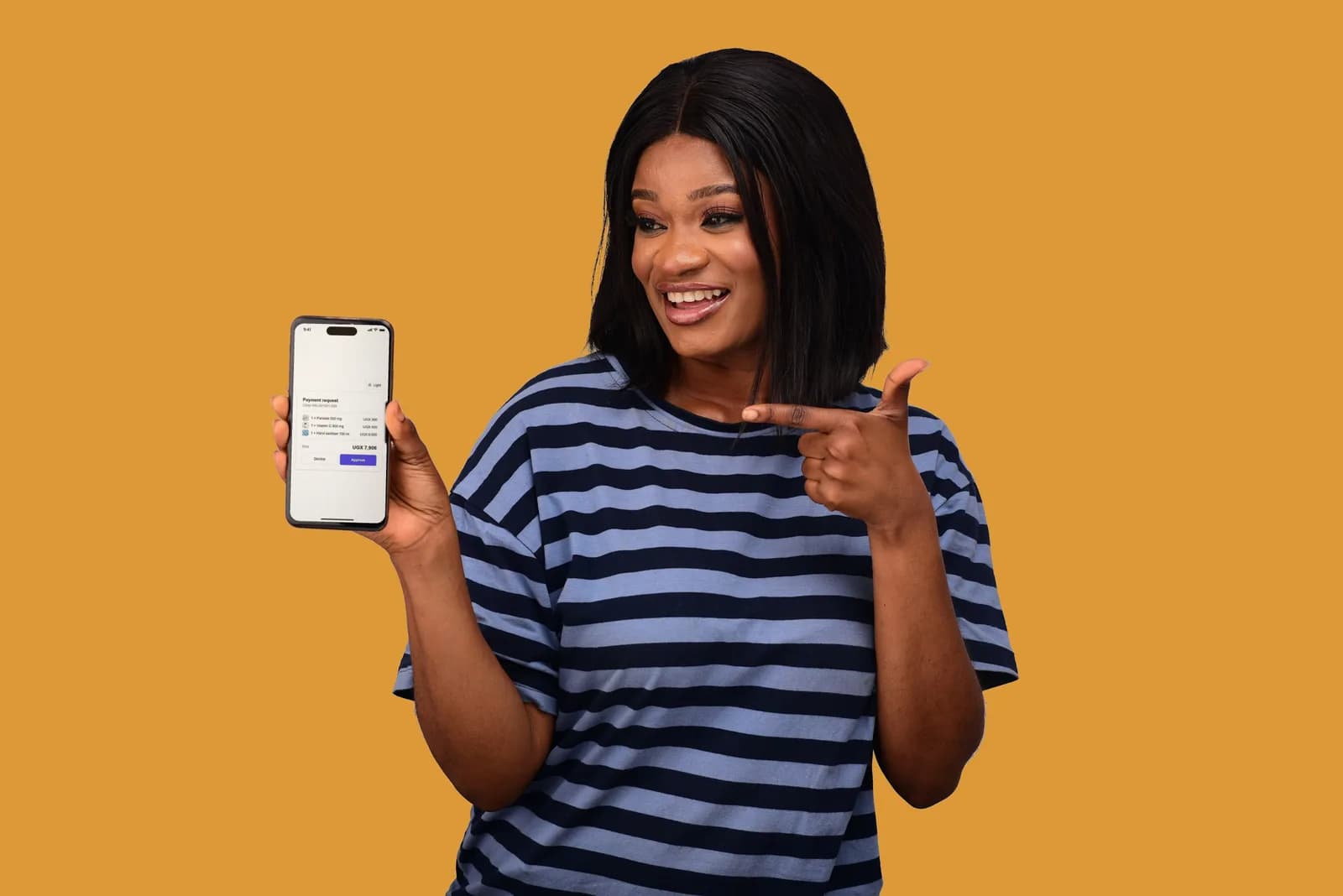
Cash, MTN MoMo, Airtel Money or card on your own machine, each recorded with its transaction number. Regulars can top up a wallet and pay from their phones.
Each staff account opens at its own till, store, warehouse or kitchen, with only the tools that place needs. Only an admin moves between them.
A bag of cement, a carton of 24 bottles, a 50 kg sack or a single piece. Choose how it arrived, and the app works out the rest and remembers the price you paid.
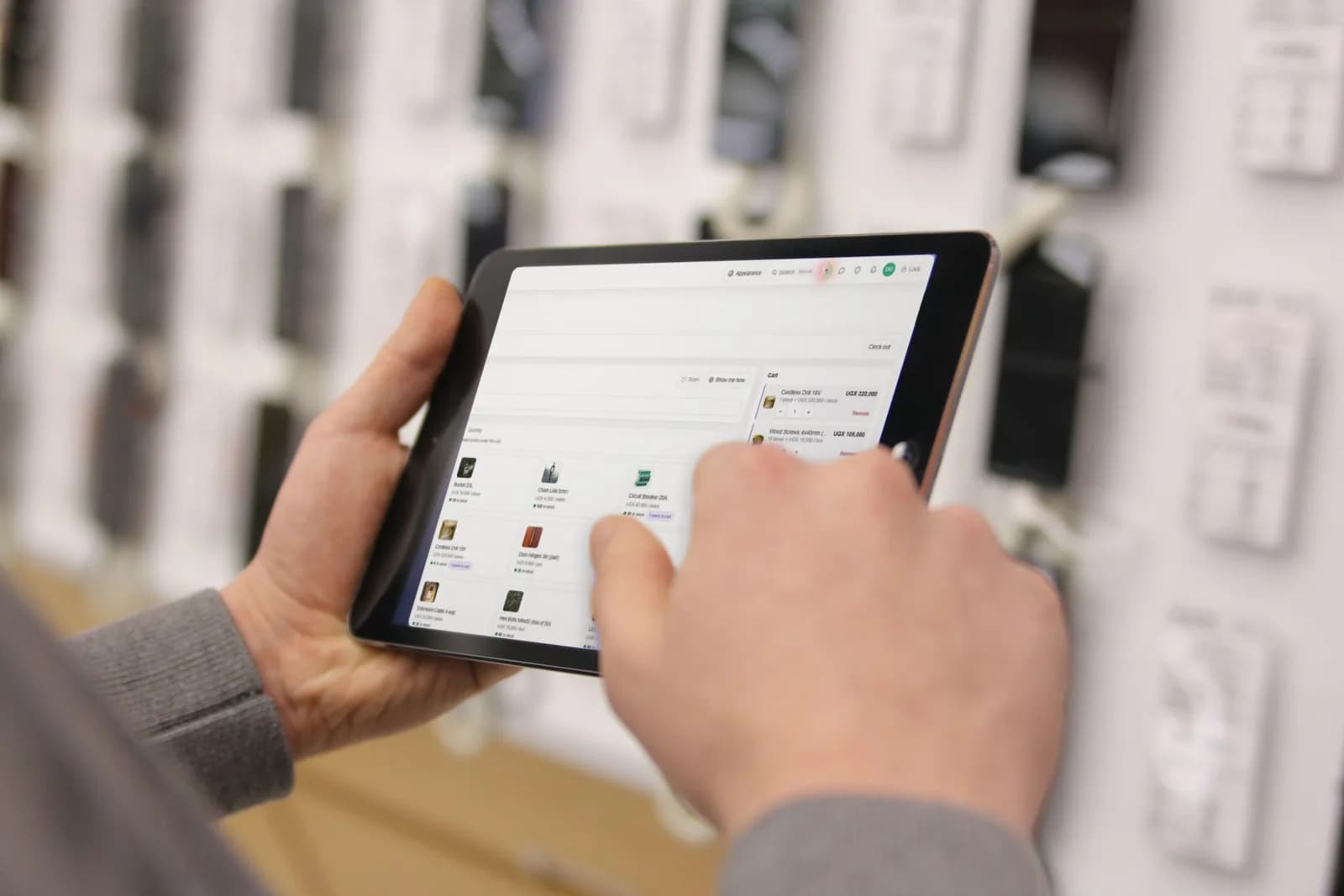
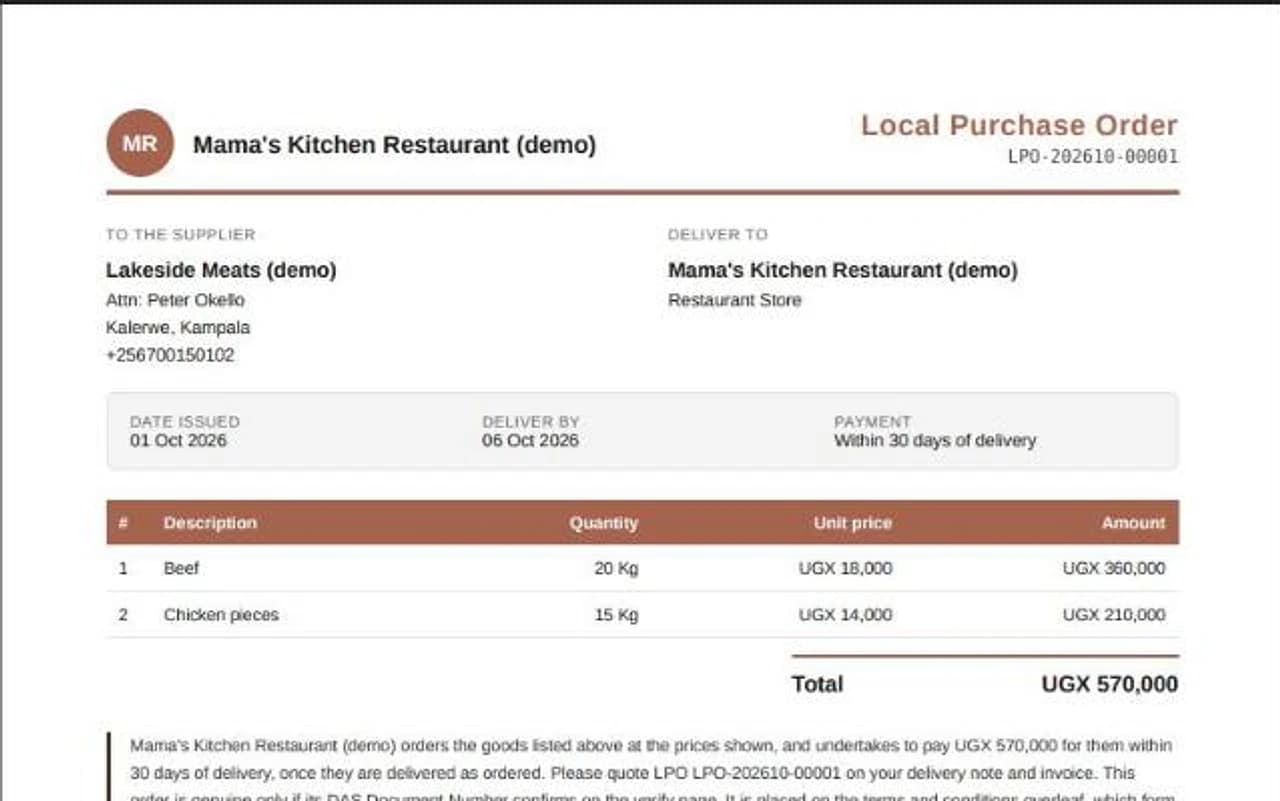
Quotes for a contractor, invoices for a school, delivery notes for a shop. All in your own design, each with a number anyone can verify online.
Give trusted customers credit with a limit checked on every order, and send each one a statement at the end of the month.
Real screens, real places
Nothing here is drawn. Every screen is DAS POS itself, taken from the demos you can open today.
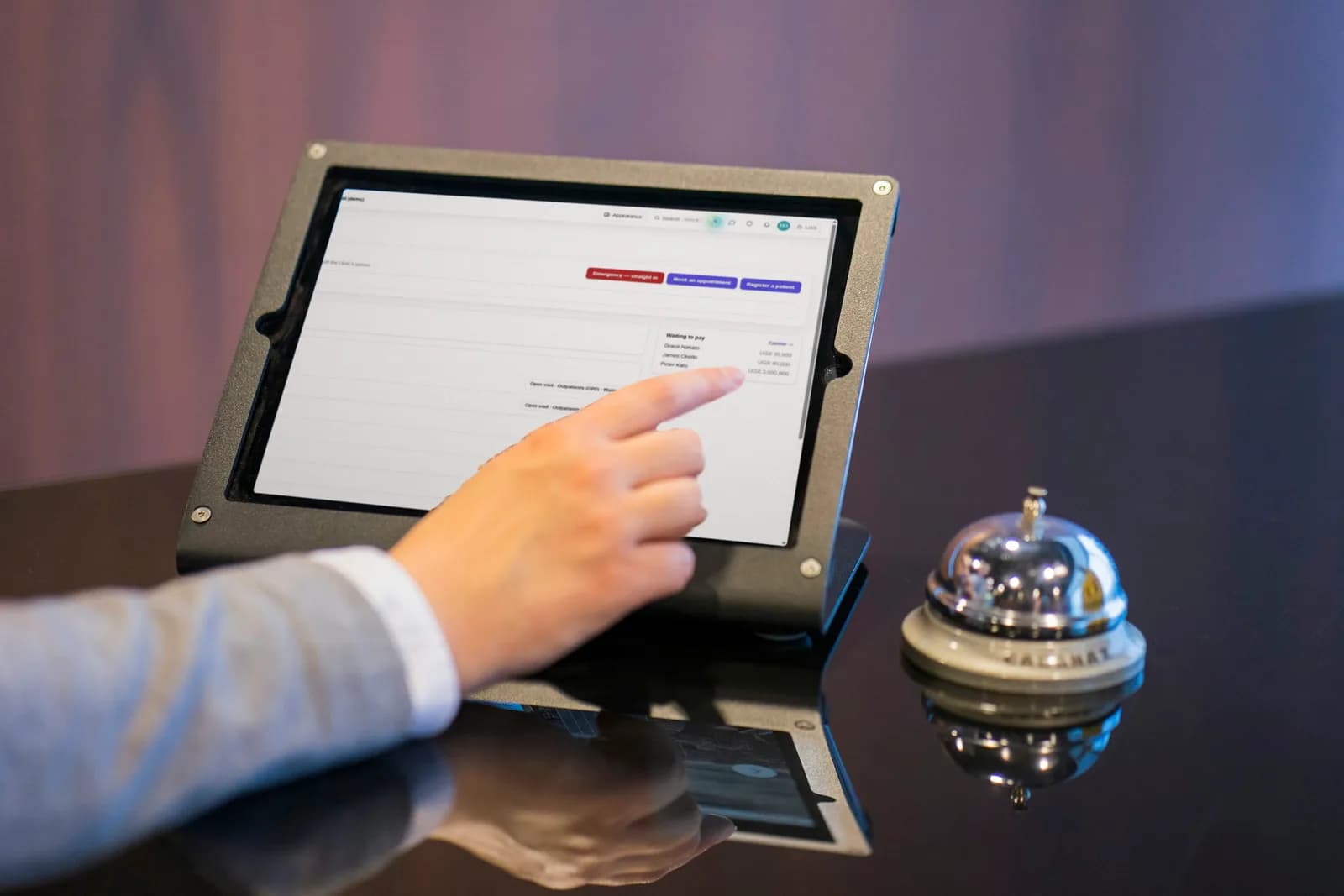
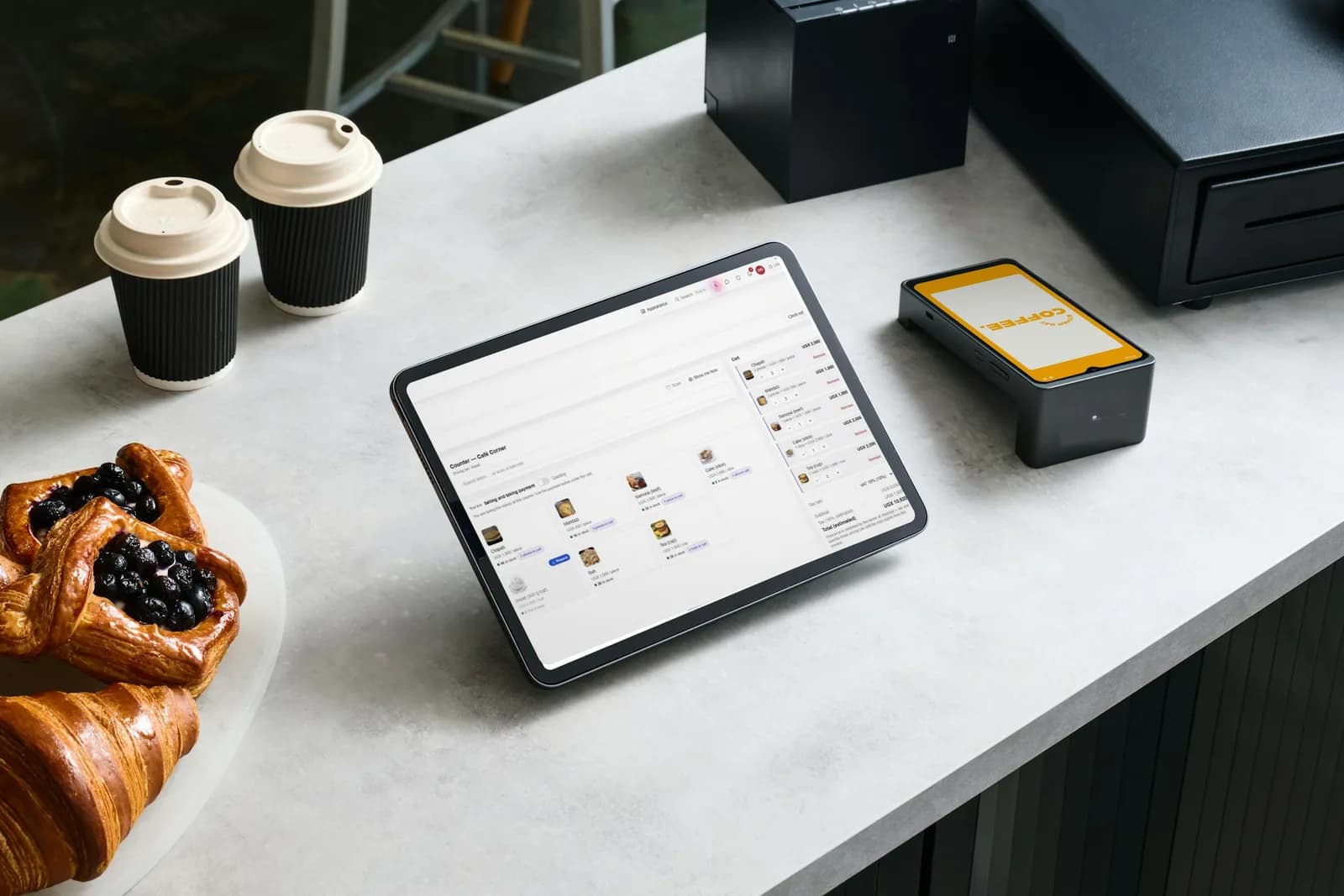
Watch it work
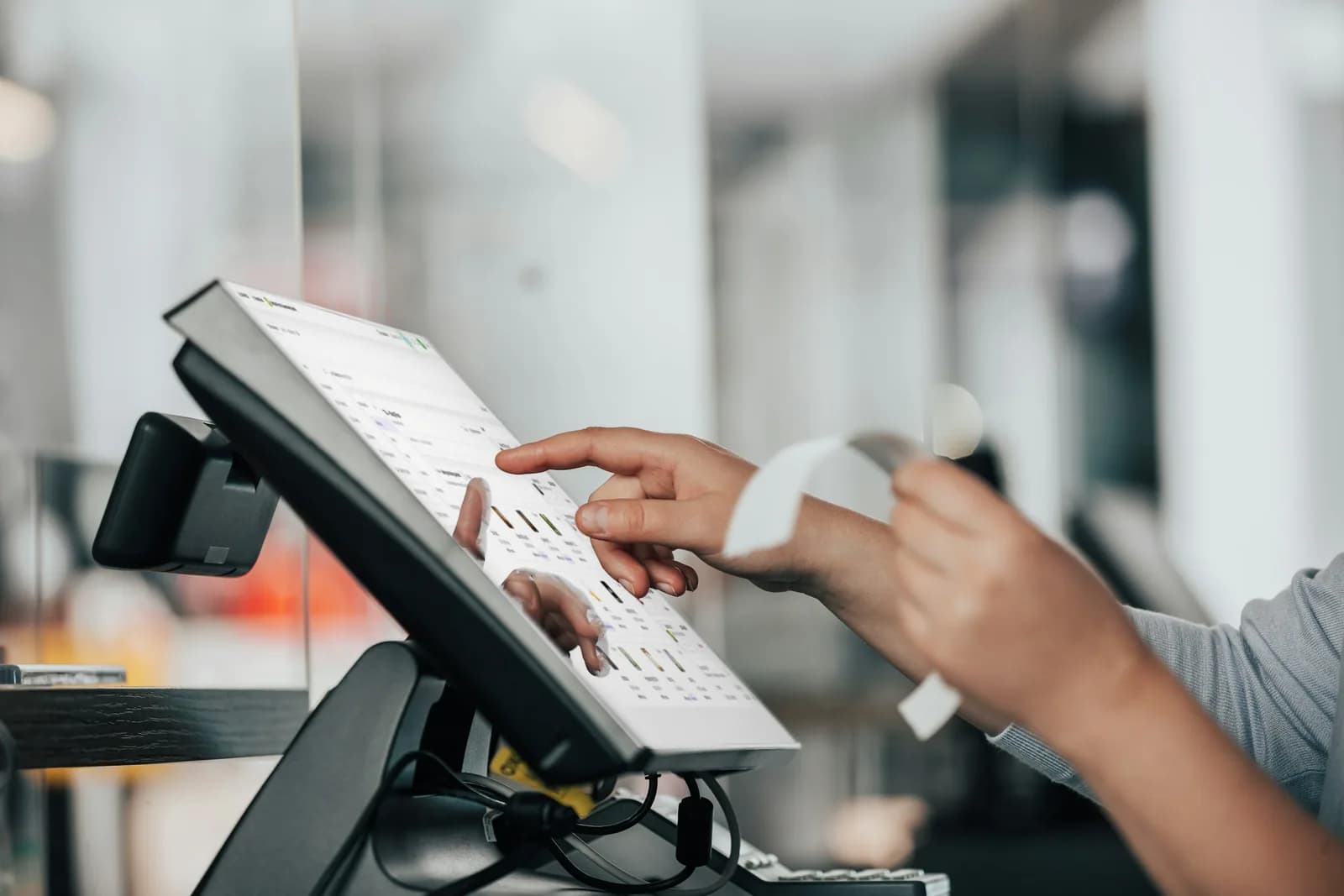
Staff sign in, ring up the order, take cash or mobile money and print the receipt, on the computer, tablet or phone you already have.
Sign in
Orders go to the kitchen, bar or packing station that prepares them, move from new to ready, and are handed over on record.
An order reaches the station
Give regular customers a wallet they top up and an ordering link, and let them follow their order until it is collected.
Choose from the menu
Stock is held in each place, whether a store, a kitchen, a warehouse or a counter, and every movement between them is recorded with who made it. Pick a kind of business to see it move.
A purchase goes to the supplier
Pick a design from the library, add your logo and colours, and every proforma, invoice, statement, delivery note and receipt follows it, each with a number your clients can check.
Tailored for you
Tell DAS POS what you run and it starts you with that trade's own words, products and tools, and nothing you don't need.
Food & drink
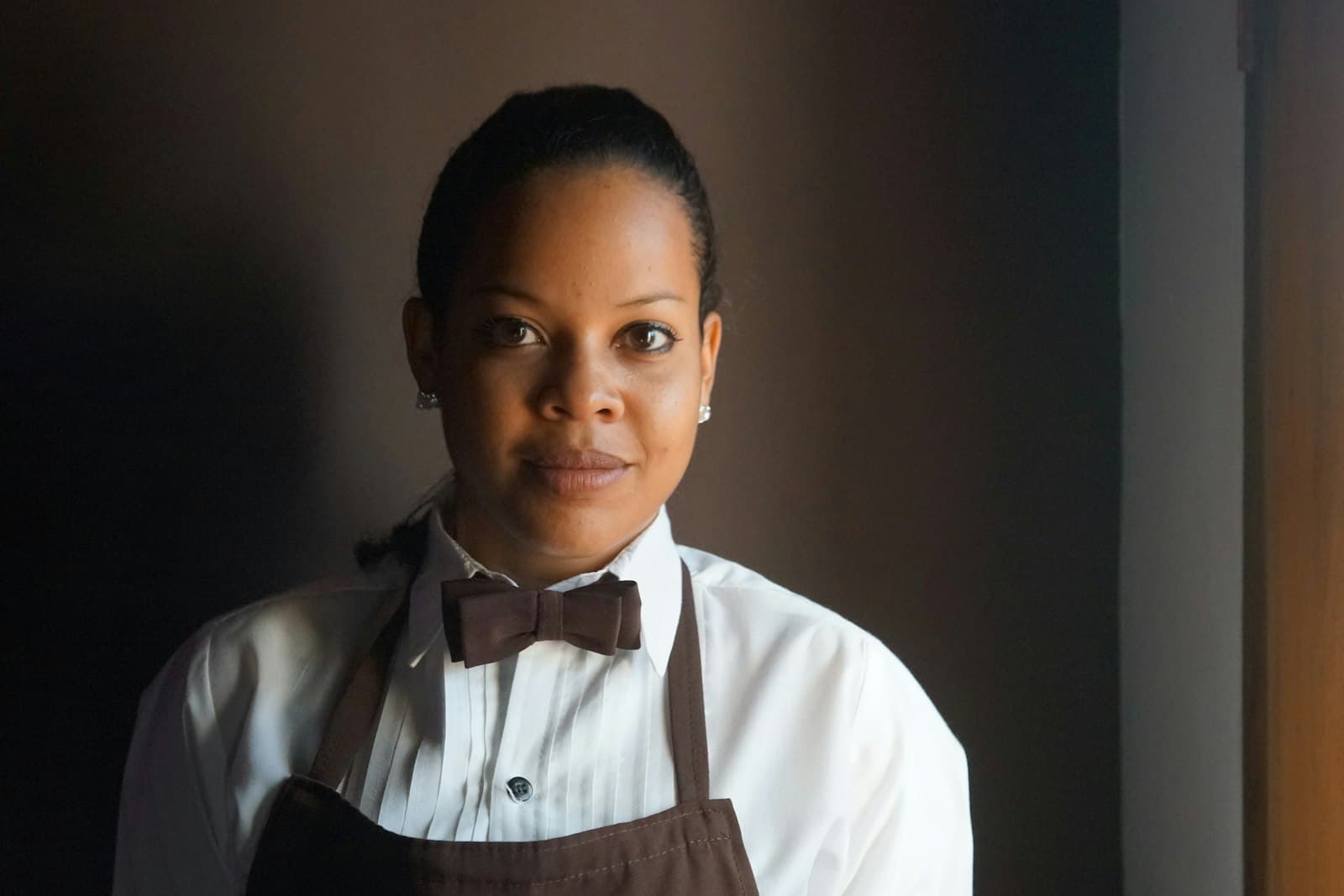
Restaurants & canteens
From the store room to the plate, and month-end billing for contracts.
Food & drink
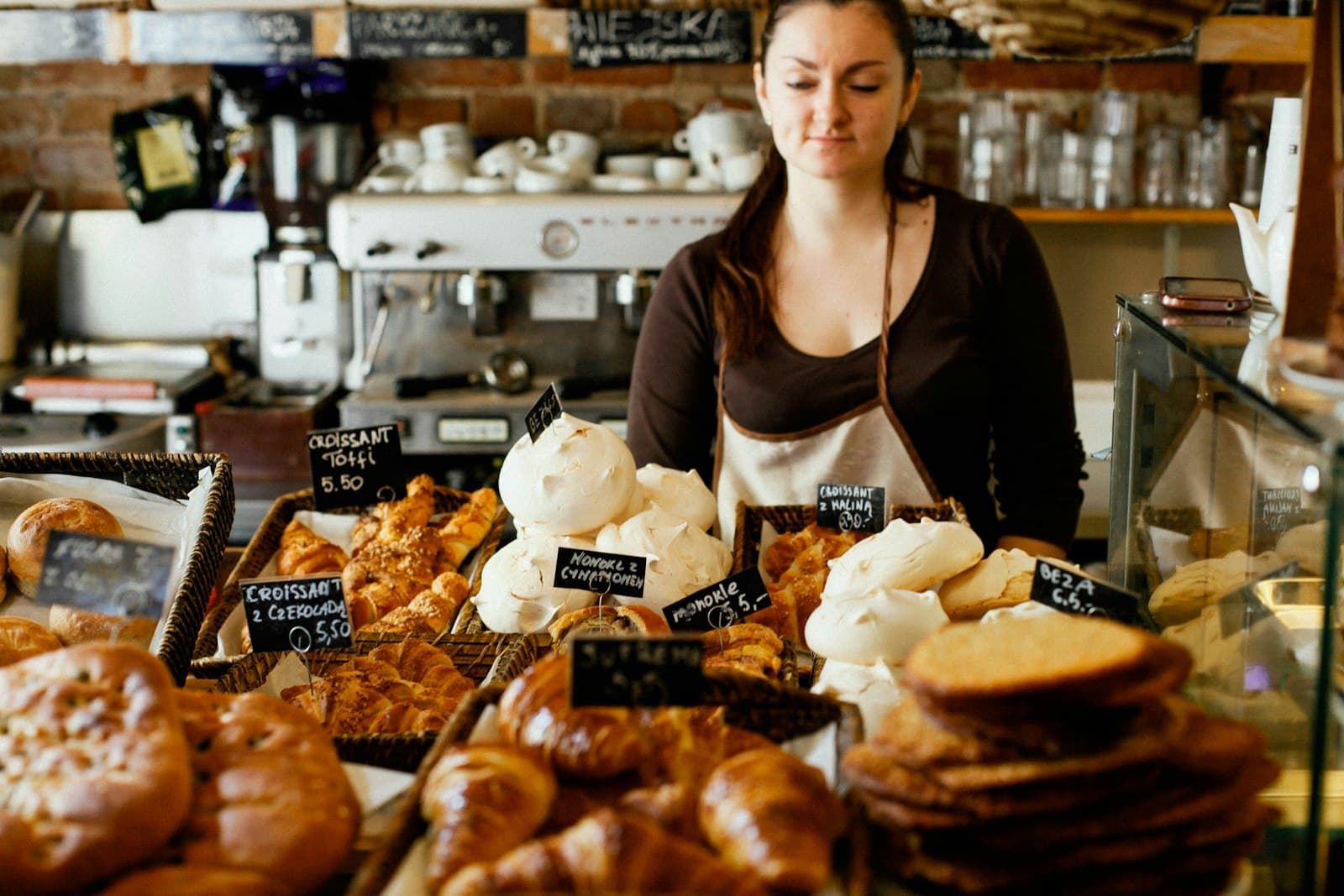
Bakeries
Bake in the morning, send to every counter, sell all day.

Retail
Shops & supermarkets
A quick till, a stocked shelf and regular customers who come back.
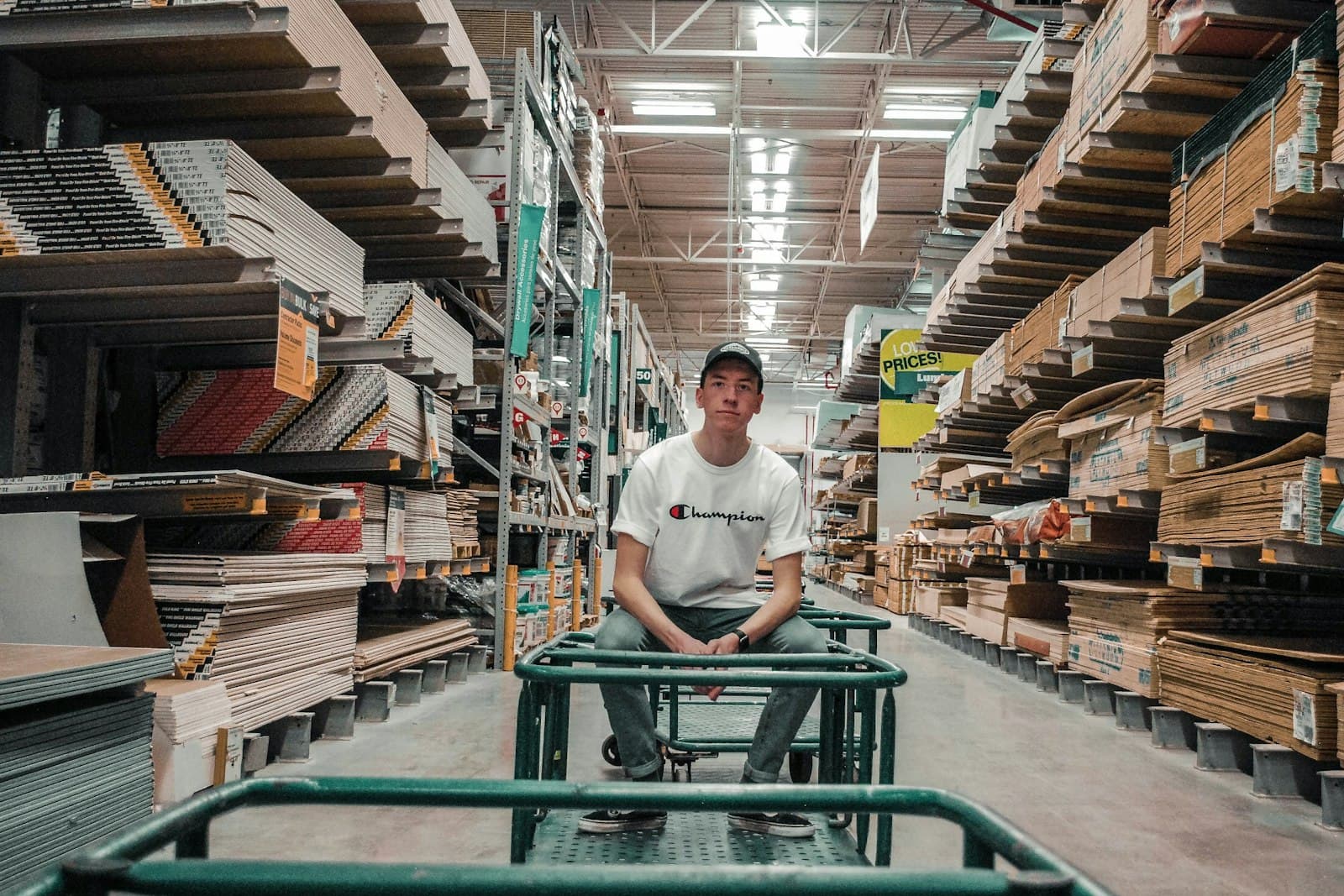
Wholesale & warehouses
Wholesale & warehouses
Stock at every level, customer pricing and credit accounts.
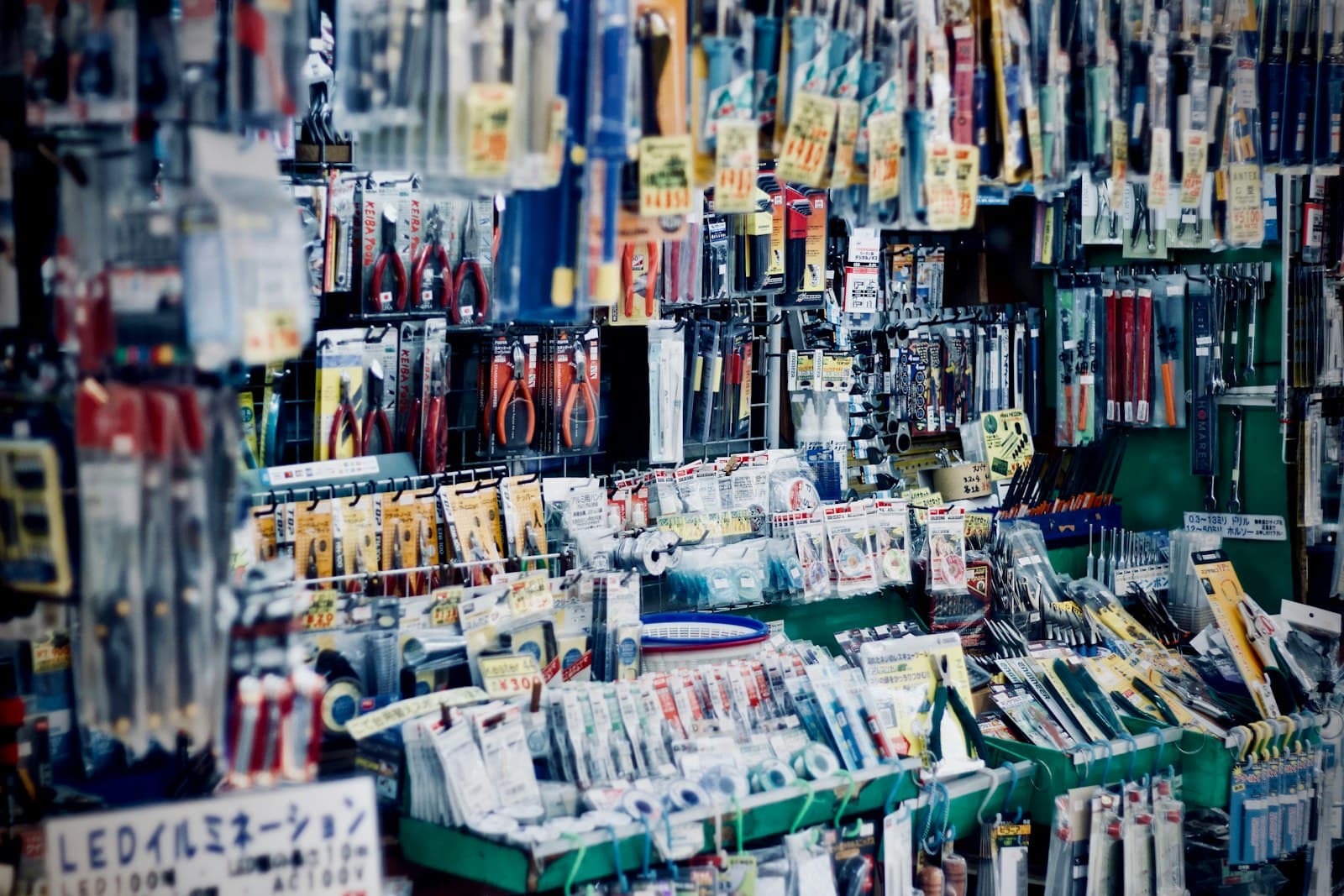
Hardware & building supplies
Hardware & building supplies
Quotes, account clients and deliveries signed for on site.

Health & pharmacy
Pharmacies & drug shops
A quick counter, stock at every branch and requests between them.
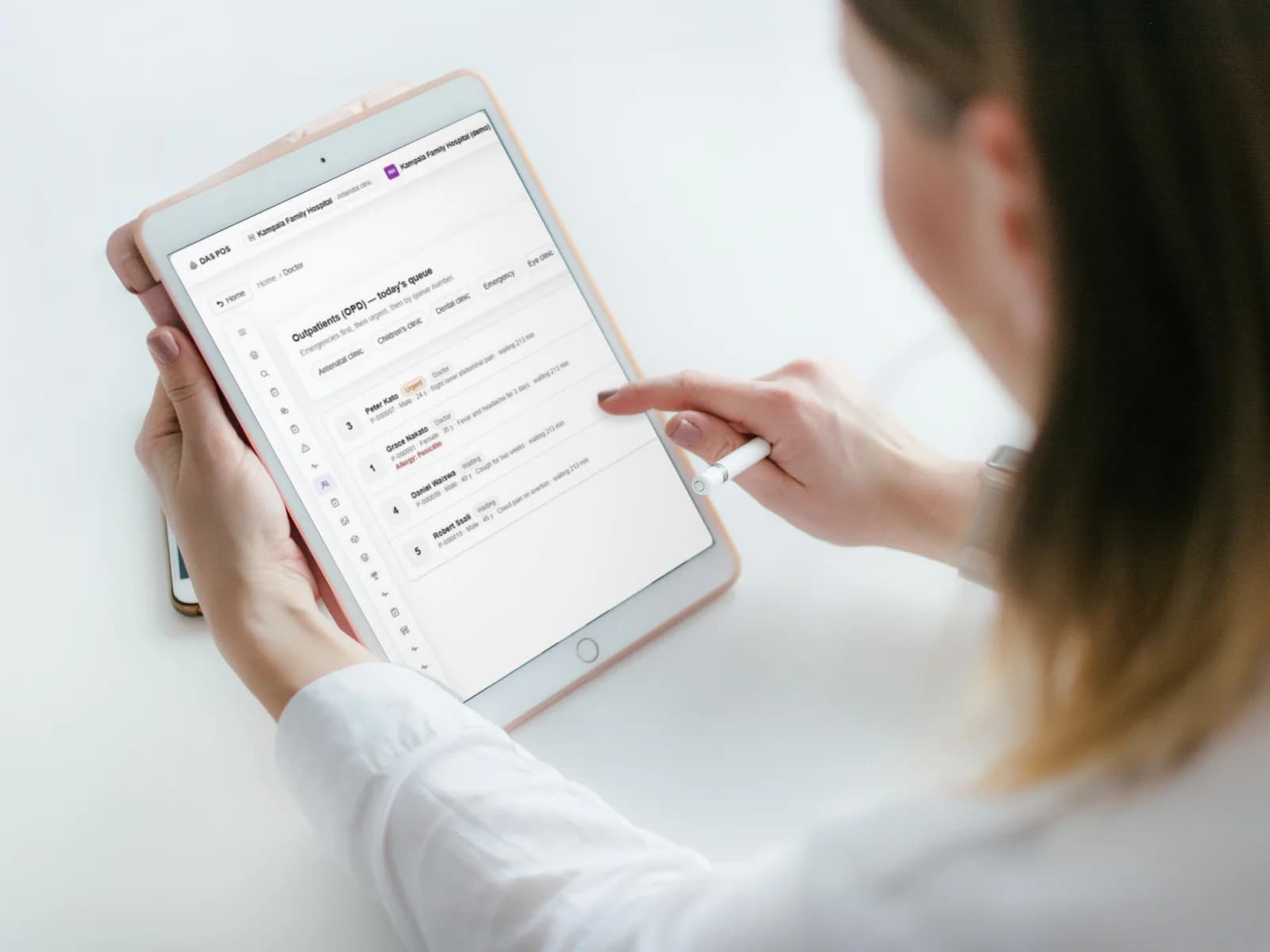
Health & pharmacy
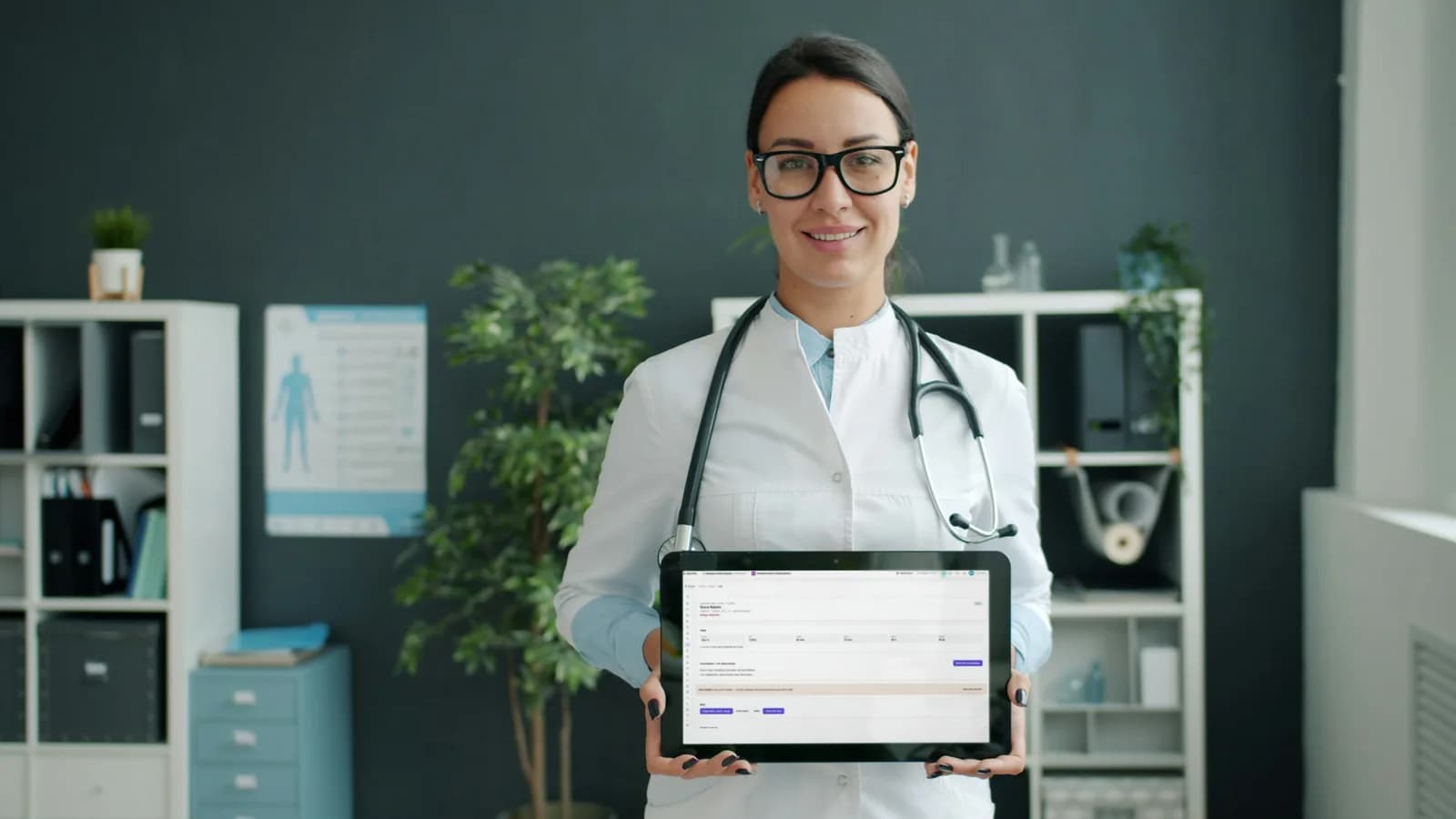
Hospitals & clinics
Every patient, from the door to discharge, and every bill settled.
Pricing
New to DAS POS? 20% off your first month or 10% off your first year, after the free month. Then the regular price.
Free trial
Everything in Premium, free for one month
Lite
A simple till for one shop and one person
Regular price: UGX 50,000 a month
Then UGX 50,000 a month
Support: Within 24 hours
Email · Support tickets
Premium
Every feature, for a growing business
Regular price: UGX 100,000 a month
Then UGX 100,000 a month
Support: The same working day
Email · Support tickets · Phone · Remote training
Enterprise
No limits, with support around the clock
Regular price: UGX 200,000 a month
Then UGX 200,000 a month
Support: 24 hours a day, 7 days a week
Email · Support tickets · Phone · Onsite response · Staff training
Tell us your business name, what kind of business it is, and the web address you want. We review every request.
Add your outlets and products, or choose them from the starter library for your trade, then switch on the parts you use.
Your staff sign in at your own address and the till is ready. Practise first in the sandbox if you like.
No. DAS POS runs in the web browser of the computer, tablet or phone you already have. Receipts print on an 80 mm thermal receipt printer through the ordinary print dialog.
Yes. The sandbox opens a demo hardware shop, restaurant or bakery with a practice login. It is your own private copy, and nothing you do there is kept.
Yes. Every business has its own database and its own web address, and its staff sign in there.
Yes. Every issued document carries a DAS Document Number that anyone can check on the verify page, without an account.
Every tool is available to every business. Your business type only chooses where you start; switch any part of the app on or off in Settings at any time.
What's next
A fully stocked restaurant, bakery, shop, pharmacy or hardware store to practise on. Nothing you do is kept.
Open a demoFree for a month, then Lite, Premium or Enterprise. See what each costs and opens.
See pricingTell us your business and the web address you want. We review every request and set you up.
Sign upGot an invoice or receipt from a DAS POS business? Check its number is real.
Verify a document